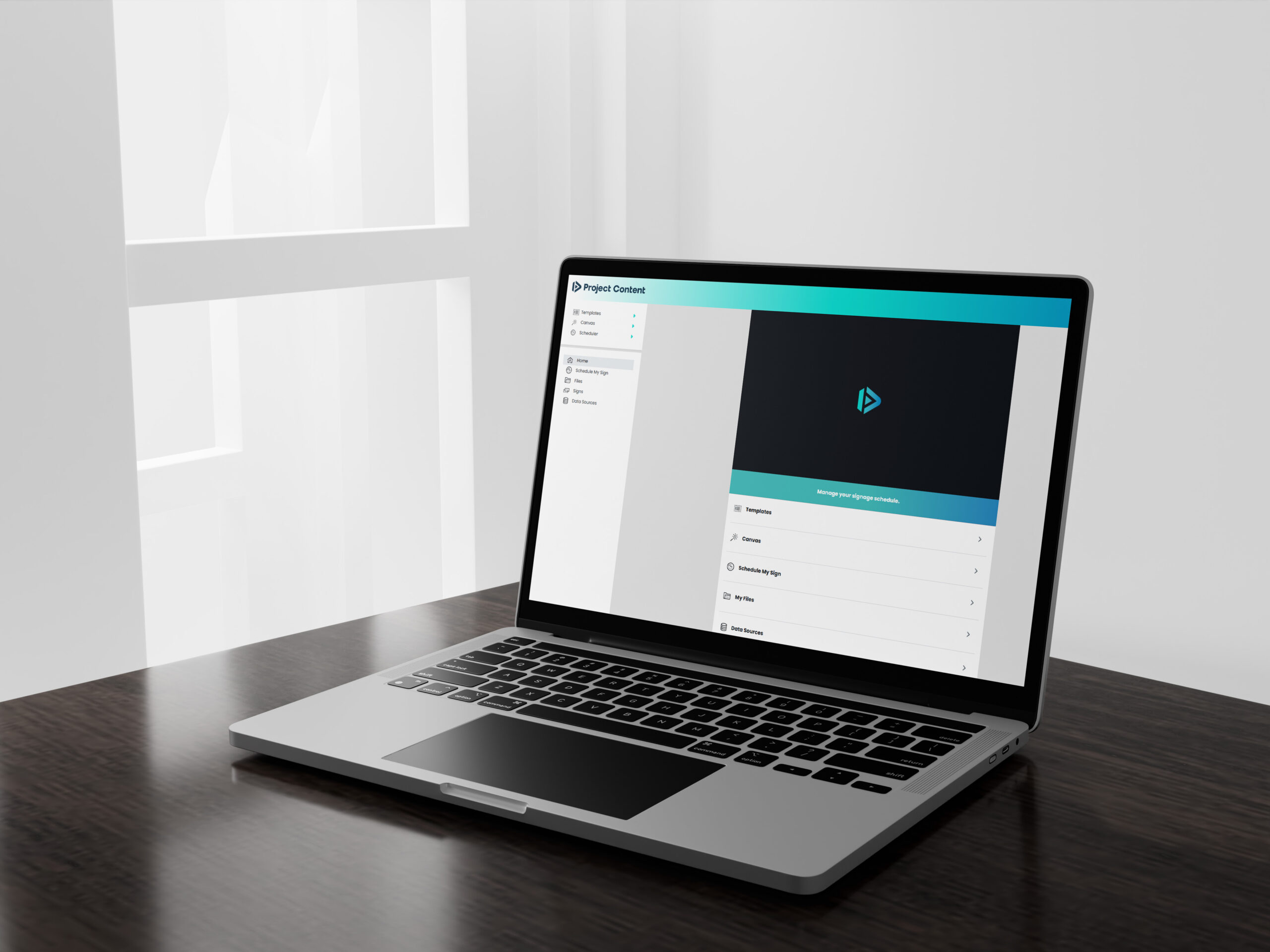
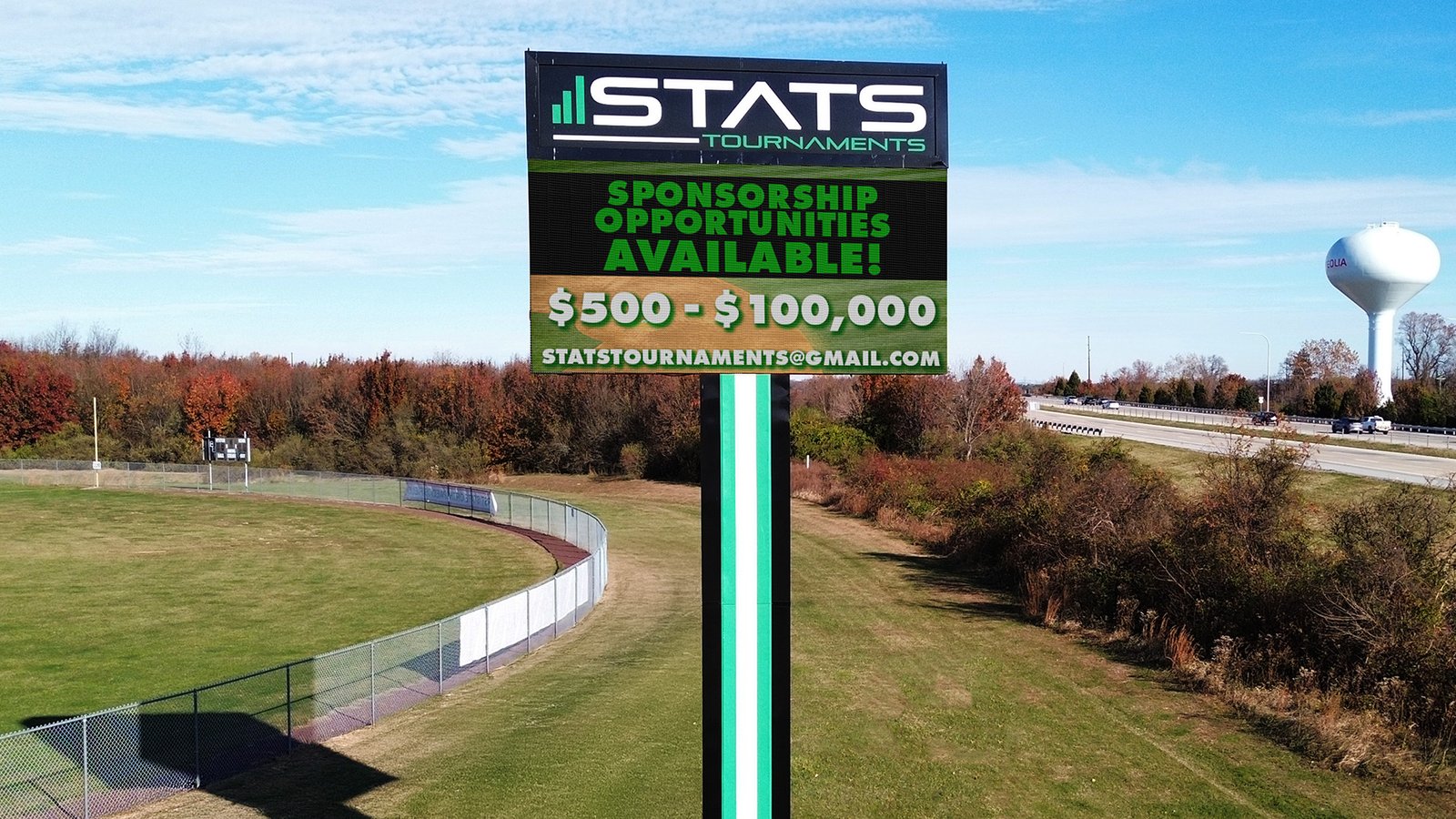
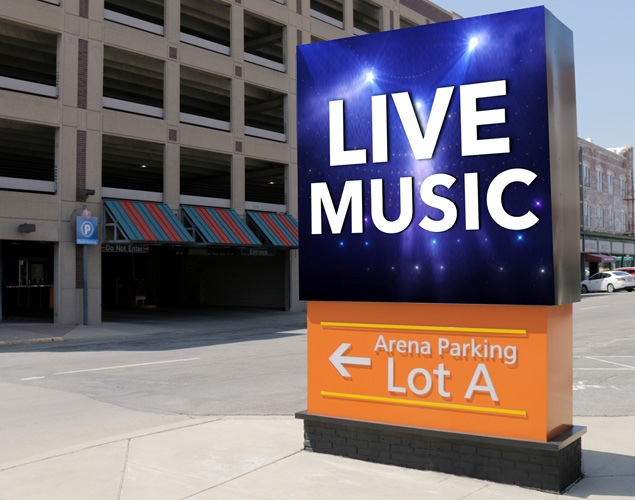
Managing LED digital signs well isn’t just about buying great hardware. The real magic happens when you pair your signs with the right software. That’s what lets you control your content, schedule it perfectly, keep an eye on performance, and make sure everything runs without a hitch.
Whether you’re using your LED signs to advertise, share public updates, or help people find their way, the software you choose will decide how well those messages land.
At Next LED Signs, we’ve seen first-hand how the right software can turn a good display into a powerful communication tool. Here’s what you’ll want to look for when you’re picking yours.

Compatibility with Your LED Sign Hardware
This might sound obvious, but the first thing to check is whether the software actually works with your LED sign hardware. Different signs have different technical needs, so you want something that talks to your system without hiccups.
- Ensure Cross-Platform Support
Think ahead. If you might add more signs later—indoor, outdoor, big, small—choose software that can handle all of them. The more flexible your software is, the fewer headaches you’ll have down the road. - Connectivity Options
Do you want to manage your signs from anywhere, or will they be controlled from a single computer? Cloud-based systems let you log in from any device, while on-premise setups usually require a dedicated machine. The right choice depends on how many displays you have and where they are.
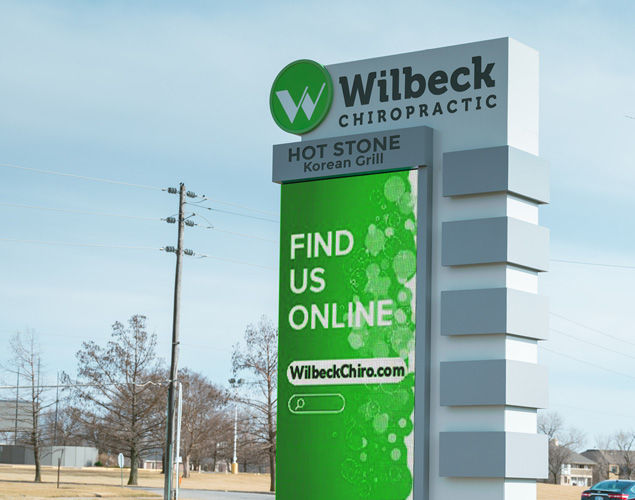
Content Management Capabilities
This is where you’ll spend most of your time, so it matters. Your software should make creating, organizing, and pushing content to your signs as simple as possible.
- Template Creation
Look for customizable templates you can tweak to match your branding. Pre-built designs make quick work of common messages like promotions, alerts, or announcements. - Remote Content Updates
If you’re juggling multiple locations, cloud platforms are your friend. You can change a message on every sign at once, keeping things consistent and up-to-date. - Multimedia Support
The best software won’t limit you. It should handle images, videos, animations, and scrolling text so you can mix things up and keep your content fresh.
Real-Time Monitoring and Analytics
Good software won’t leave you wondering if your signs are working—it’ll tell you.
- Performance Monitoring
From brightness levels to network connectivity, you should be able to see at a glance that every display is running as it should. - Analytics and Reporting
Want to know what’s working? Built-in analytics can show how people respond to different messages so you can fine-tune your approach.

Content Integration and Automation
Sometimes, the most effective messages are the ones that update themselves.
- Social Media Integration
Show off your latest posts, reviews, or hashtags right on your signs. It’s a simple way to keep content fresh and interactive. - Dynamic Data Feeds
Need to display live updates like weather, stock prices, or transit times? Choose software that can pull data directly from outside sources. - Event-Triggered Content
Imagine a message changing automatically when it rains, or during lunch rush, or for a scheduled event. Automation like this makes your signs feel smart and responsive.
Security and User Permissions
Your signs might be public-facing, but your control panel shouldn’t be.
- Role-Based Access Control
If multiple people help manage content, assign roles so only the right people can make changes. It keeps things organized—and secure. - Data Encryption and Backup
This is your safety net. If your signs handle sensitive content, encryption and regular backups help protect your system and your peace of mind.
FAQs: Choosing LED Sign Management Software
- What’s the biggest benefit of cloud-based LED sign software?
You can make updates anytime, anywhere—keeping your messages timely and relevant. Businesses using cloud platforms report up to 42% faster content deployment. - How often should I update my signage software?
Quarterly updates can prevent up to 70% of avoidable downtime from software glitches. - Why is role-based access control important?
It helps prevent unauthorized changes and can reduce internal security issues by around 30%.
Ready to make LED sign management simple?
NEXT LED Signs includes secure, cloud-based software with remote access, role-based permissions, real-time monitoring, and optional cellular connectivity—no IT headaches. We’ll set up schedules, templates, and automations with you on a quick live walkthrough. Need to be ready for fall messages? NEXT LED Signs has STAX 6MM and 10MM in stock with 5‑day shipping.
Contact us today to get started.