Digital Insights. Ideas worth sharing.
From choosing the right sign to creating high-impact content, find practical ideas for reaching your audience and making every message count.
- Sign TechnologyUnderstand the options behind a better display.
- Content & MessagingCreate messages your audience can use.
- Real ApplicationsExplore ideas for your industry and location.
Read by industry or subject

Selling Ad Space on Your LED Sign: What to Check First
Considering selling ad space on an LED sign? Review display size, zoning, permits and programmatic advertising requirements before planning your project.
Why Big Tech Invests in Out-of-Home Advertising
Three Common Questions About Controlling Your LED Sign
Before You Buy an LED Sign, Check Your Local Zoning and Permit Requirements
Getting the Most Out of Your LED Sign
Can You Write Off a Digital Sign? Financing, Leasing, and Section 179 Explained
Explore more resources
Frequently Asked Questions
Making your messages work
Practical questions about LED sign content, visibility, and control.
01 How often should I rotate my LED sign messages to prevent "sign blindness"?
To maintain high engagement, you should update your primary message at least once a week. Frequent commuters begin to tune out static content after 5 to 7 days. Rotating between community "value" posts, time-sensitive offers, and high-contrast visual updates ensures your sign remains a focal point for local traffic.
02 What are the best font and color combinations for roadside visibility?
High-contrast pairings are the gold standard for safety and readability. Yellow text on a Black background or White on Black provide the highest legibility. Avoid decorative "Serif" fonts which blur at speed; instead, use bold "Sans-Serif" styles and keep your message to a maximum of 7 words to accommodate average driver dwell time.
03 Can I sell advertising space on my business’s LED sign to other companies?
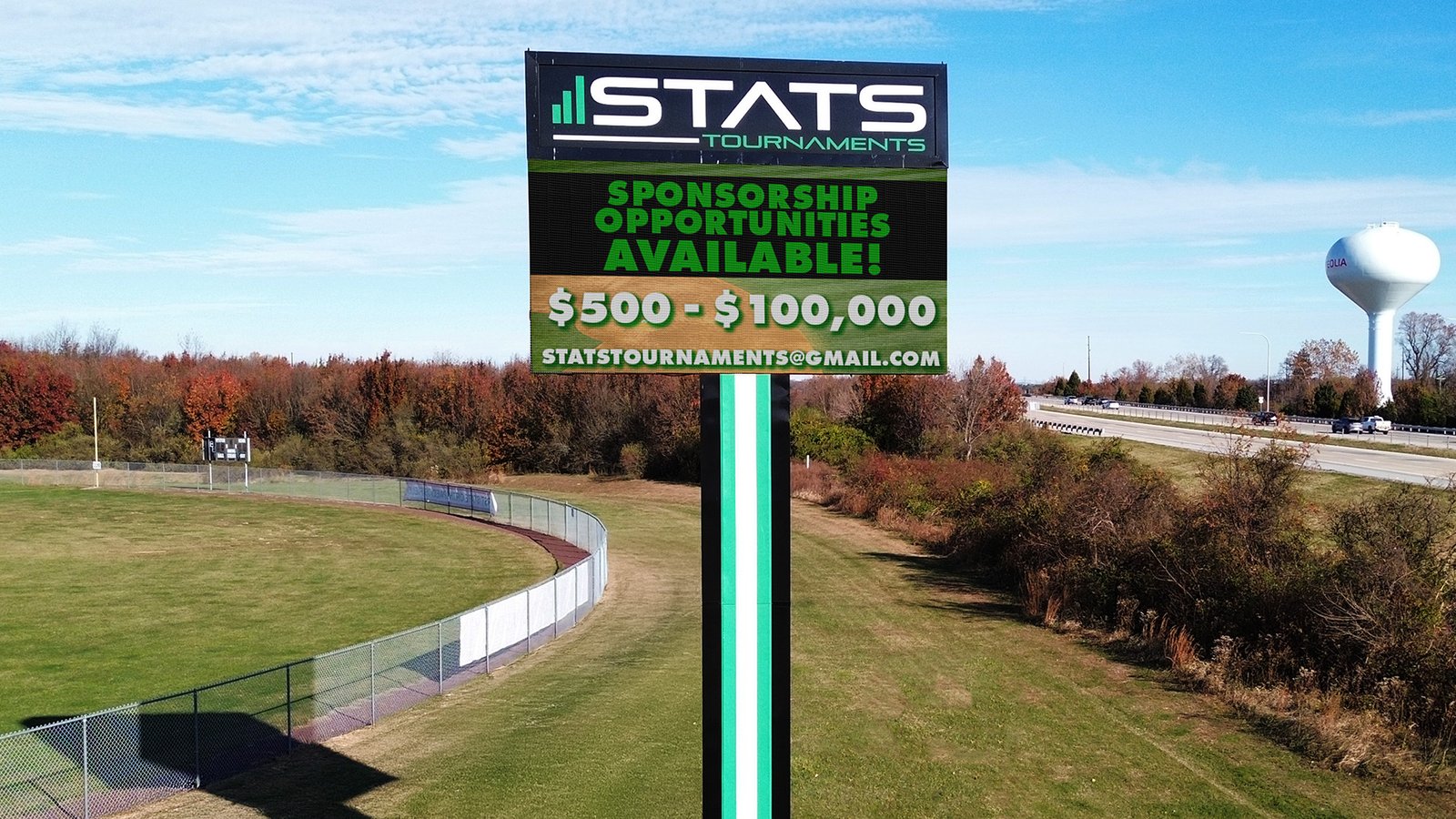
Generally, no. Most municipal codes strictly distinguish between On-Premise and Off-Premise signage. Selling ad space to third parties reclassifies your sign as a "Billboard," which requires specific licensing, different zoning permits, and higher tax rates. However, many organizations successfully utilize sponsorship acknowledgments (e.g., "Scoreboard donated by [Bank Name]") which are typically permitted under standard signage rules.
04 Is it better to use a dedicated PC or a Cloud-based CMS to manage my sign?
While a local PC offers control, a Cloud-based Content Management System (CMS) is the industry standard for reliability and security. Cloud systems allow for remote updates from any device, automatic dimming schedules based on local weather, and "closed-loop" security that prevents the unauthorized hacking often associated with local Wi-Fi or "default" network setups.
05 If I buy a sign with a handheld remote control, can I still show video?
No. Handheld remote systems are built for "economy" text-only signs. They lack the processing power and data speed required to render video or high-resolution graphics. If your goal is to show fluid motion or professional imagery, you need a sign with a dedicated controller and modern software, not a handheld infrared remote.
06 Can I just point my indoor LED window sign toward the street to save money?
You can, but it won’t work. Indoor signs are not built with the "NITs" (brightness intensity) required to compete with direct sunlight, making them look washed out or black from the road. Furthermore, they lack the weatherproofing and UV protection necessary to survive outdoor temperature swings, meaning the sign will likely fail within the first few months of exposure.
Have a project in mind? Let’s talk it through.
Get help choosing a display, planning your content, or finding the right approach for your location. Talk with our team about your next step.