
Buying an LED sign seems simple—until the installation gets red-tagged by the city or the hardware fails after the first winter. In 2026, the gap between “cheap” and “commercial-grade” has widened, and 40% of first-time buyers report regretting their purchase due to poor visibility or software frustration. This guide breaks down the seven most expensive errors businesses make, shifting the focus from “screen size” to pixel pitch and total cost of ownership.
Critical Statistics: The Cost of Getting It Wrong
Before you sign a quote, look at the data driving successful signage projects:
- Permit Delays: Projects without pre-approval are delayed an average of 21–28 days due to zoning conflicts.
- The “3-Second Rule”: Drivers only have 2–3 seconds to read a message at 45 mph; signs with poor contrast or low brightness get ignored.
- The Real Killer: Field data shows that 30–40% of long-term failures are caused by moisture intrusion in cheap cabinets, not the LEDs themselves.
- Support ROI: Businesses with access to remote diagnostic support reduce their system downtime by 30–50%.
Focusing on Size Instead of Visibility
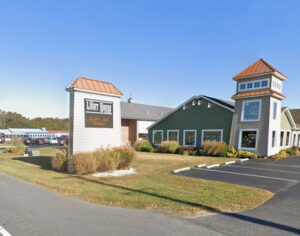
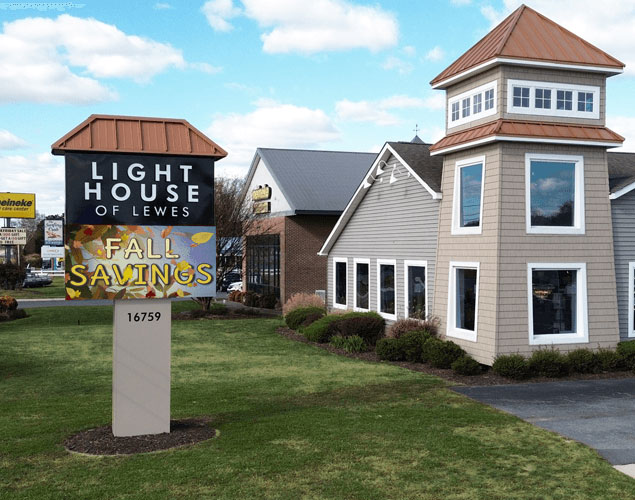
Many buyers choose a size first (e.g., “I want a 4×8”) and think about resolution second. This is backward. A huge sign that looks blurry from the road is a waste of capital.
** The Science of Legibility:**
- Pixel Pitch vs. Size: Legibility depends on Pixel Density, not just inches. A smaller sign with a tight pitch (e.g., 6mm) is often more readable than a massive sign with a coarse pitch (e.g., 16mm).
- The 20% Boost: Signs with optimized pixel pitch improve readable distance by 20–40%, giving drivers more time to absorb your message.
Ignoring Local Zoning Until the Last Minute
The most painful mistake is buying a sign you aren’t allowed to turn on. Zoning rules in 2026 are stricter than ever regarding brightness and animation.
Common Zoning Roadblocks:
- Square Footage Limits: Many cities cap digital signage at a percentage of the total sign face.
- Ambient Light Sensors: Most codes now require automatic dimming at night; if your hardware doesn’t support this, you won’t pass inspection.
- The Consequence: Resolving these issues after purchase often requires a total redesign, adding weeks of delays and thousands in restocking fees.
Choosing the Wrong Brightness for Traffic Speed
Brightness isn’t just about competing with the sun; it’s about how fast your audience is moving.
Brightness Factors:
- Approach Speed: At 45 mph, a driver needs high-contrast text to read quickly.
- Sun Angle: South-facing signs need significantly higher peak luminance (measured in nits) to remain visible at noon compared to North-facing signs.
- The Mistake: Buying an “indoor-rated” or lower-nit display for an outdoor application saves money upfront but renders the sign invisible during peak traffic hours.
Underestimating Cabinet Engineering
You are buying a computer that lives outside in the rain. The electronics matter, but the Cabinet (the metal box protecting them) matters more for longevity.
Why Cheap Cabinets Fail:
- Water Intrusion: Poor gaskets or door latches let moisture in, corrosion starts, and the sign dies within 3 years.
- Thermal Stress: Inadequate ventilation causes heat buildup, which cooks the power supplies and dims the LEDs prematurely.
- The Fix: Always specify a Solid-State, weather-rated cabinet designed for your specific climate zone.
Assuming All Software Is the Same
If the software is hard to use, your staff won’t use it. It’s that simple.
- The Engagement Gap: Digital communication studies show that ease of use increases message frequency by 50%.
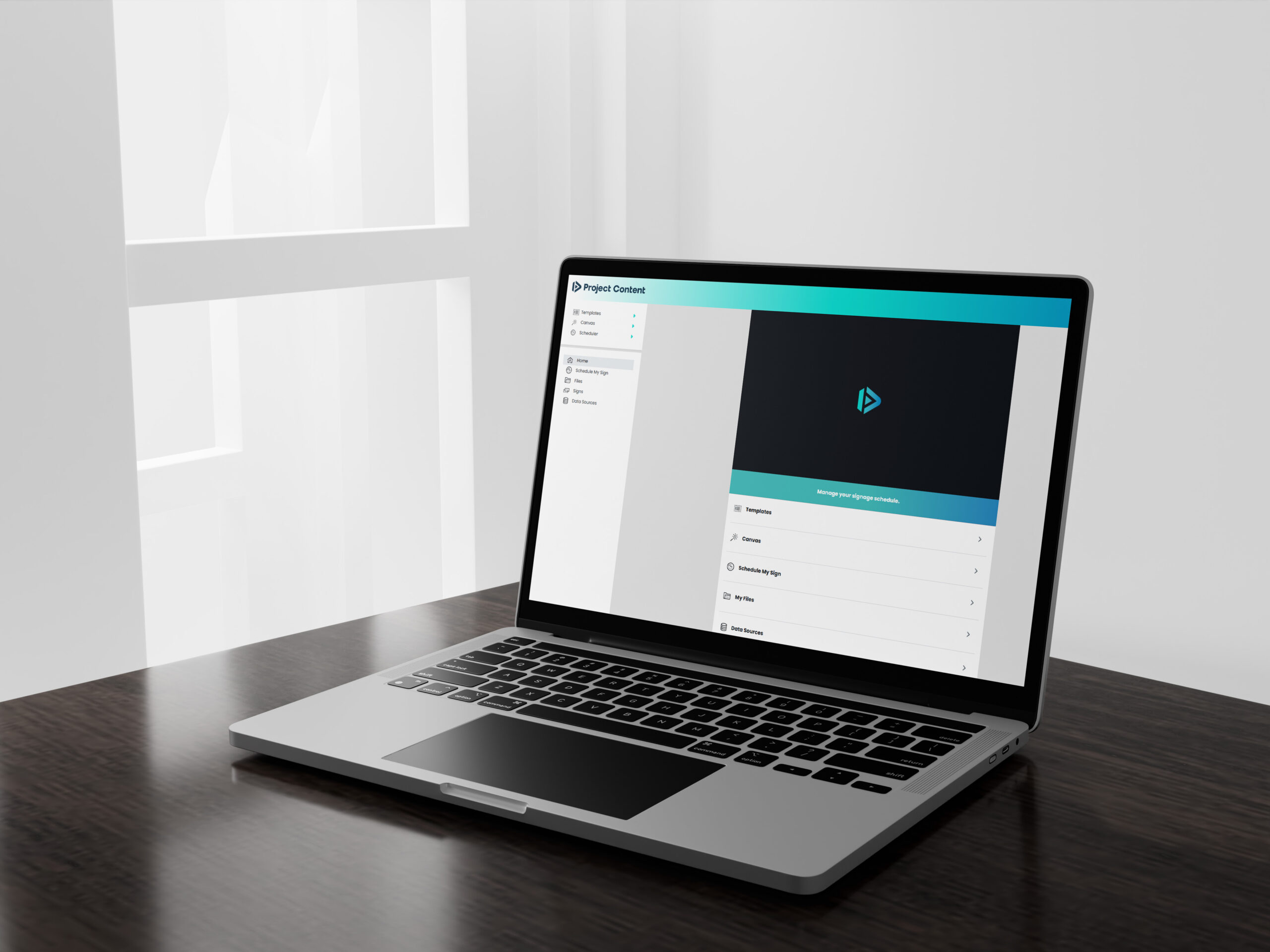
- The Trap: Many budget signs come with “clunky” local software that requires you to be physically near the sign to update it.
- The Standard: Demand Cloud-Based Software that allows you to update the sign from any phone or laptop, anywhere.
Failing to Plan for Future Content
Businesses change. Your sign needs to keep up.
- The “Weekly Update” Rule: Over 60% of businesses update content weekly; those that do report higher customer engagement.
- The Bottleneck: Buyers often select a pixel pitch that works for text (e.g., “SALE TODAY”) but looks terrible when they try to upload a photo of a new product or a video clip.
- Advice: Buy the resolution required for the content you want to display three years from now, not just today.
Overlooking Post-Sale Support
LED signs run for thousands of hours a year. Eventually, something will need a tweak, a firmware update, or a replacement module.
- The Risk: Many “direct-import” sellers offer zero post-sale support. When a part fails, you are on your own.
- The Value: Strong manufacturers offer Remote Diagnostics, meaning they can log into your sign remotely, identify the issue, and ship the exact part you need without a service technician making two trips.
Frequently Asked Questions about Buying LED Signs
How do I choose the correct resolution for my viewing distance? Resolution (Pixel Pitch) is a math equation, not a guess.
- The Rule of Thumb: You need roughly 1 inch of character height for every 25–30 feet of viewing distance.
- The Pitch Factor: Tighter pitch (e.g., 6mm or 10mm) produces smooth text at close range (sidewalk/slow traffic).
- The Trade-off: Wider pitch (e.g., 16mm or 20mm) is cheaper but looks “blocky” and pixelated if the viewer is closer than 50 feet.
What are the biggest mistakes in digital sign placement? Placement affects readability more than size. Avoid these common errors:
- Mounting Too High: The optimal height is within ±10 degrees of the driver’s natural line of sight. If they have to look up, they won’t read it.
- Ignoring Glare: Placing a sign directly under a streetlamp or facing a reflective glass building can wash out the contrast, making the text unreadable.
What hidden costs should I include in the budget? The hardware price is not the total project cost. A realistic budget includes:
- Installation & Electrical: Running new power lines and the physical crane work.
- Permitting: City fees and variance applications.
- Spare Parts: Buying a “Spare Parts Kit” (modules/power supplies) upfront guarantees you have matching color batches for future repairs.
- Total variance: These items typically add 15–25% to the final project cost.
Need Help Navigating the Specs? NEXT LED Signs builds displays based on solid-state engineering principles—no moving parts, high-durability cabinets, and cloud-based control.
Get a clear evaluation of your options: Call us at 888-359-9558 | Contact us