
School communication doesn’t usually break because people aren’t trying; it breaks because too many messages live in too many places. In 2026, forward-thinking districts are moving to cloud-based LED signage to solve this fragmentation. By centralizing control, districts can increase communication efficiency by 62% and cut emergency response times from minutes to seconds. This guide explains how cloud technology turns scattered school signs into a unified safety and engagement network.
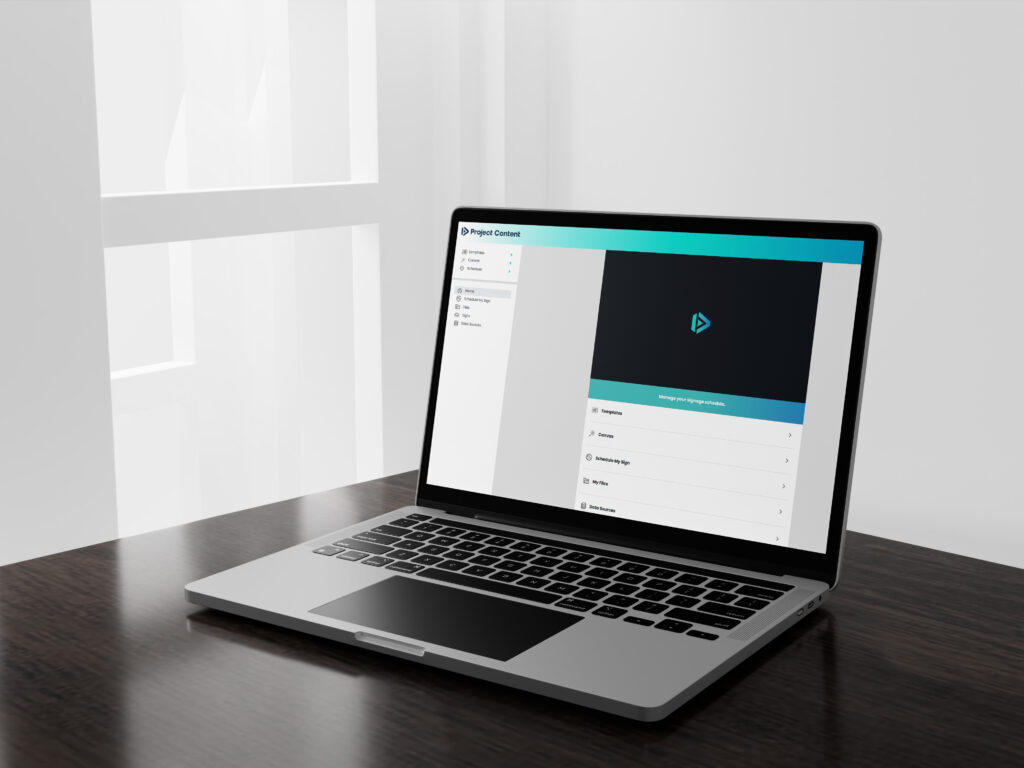
One Dashboard, Total Control
In many districts, communication still depends on individual principals or secretaries remembering to update their specific marquee. On paper, that sounds flexible. In reality, it leads to outdated messages and inconsistent branding.
Cloud messaging changes the workflow:
- Centralized Command: The district communications director can log in once and push a “Snow Day” alert to all 15 schools instantly.
- Local Flexibility: Permissions can be set so a High School Principal can post about the football game, but cannot override a district-wide safety alert.
- Brand Consistency: Ensures every school uses the correct fonts, colors, and logos, building trust with the community.
Faster Safety Messaging When Timing Matters
When a crisis happens—whether it’s a tornado warning or a security lockdown—speed matters more than polish.
Cloud-based LED signs act as a mass notification layer:
- Remote Access: Administrators don’t need to be on campus (or even in the state) to update the signs. If a decision is made at 5:00 AM, the signs can be updated from a smartphone at 5:01 AM.
- Unified Voice: Eliminates the “telephone game” where different schools post slightly different versions of an emergency instruction. Everyone sees the exact same directive at the exact same time.
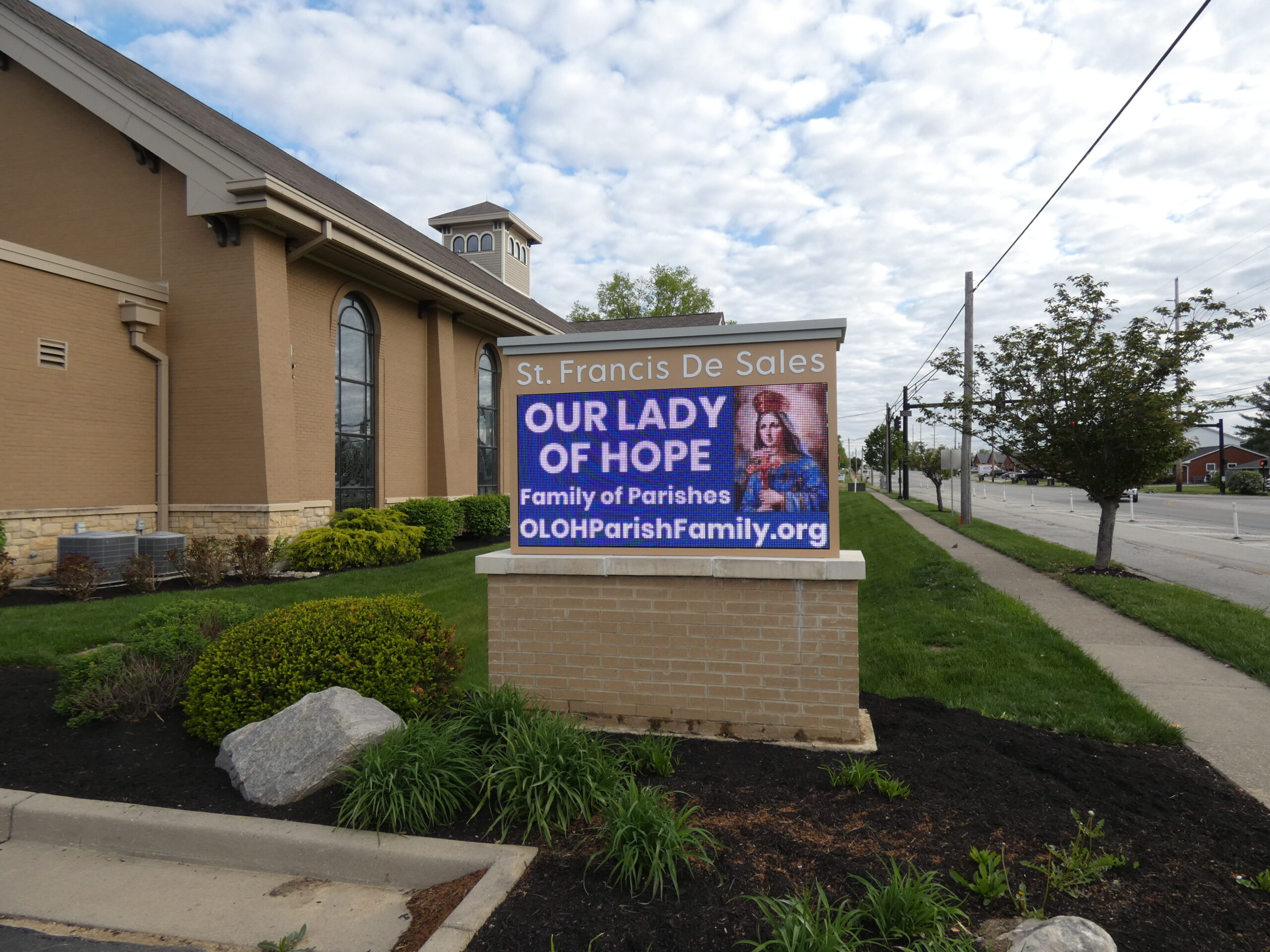
Engagement Without the “Busy Work”
Most schools don’t have extra staff time to manage daily communication. Cloud messaging automates the tedious parts of the job.
Automated Scheduling Features:
- Day-Parting: Schedule “Drop-off Instructions” to run only from 7:00-8:00 AM and “After School Pick-up” to run from 2:00-3:30 PM.
- Expiration Dates: Set event promotions to auto-delete the minute the event ends, ensuring you never display “Come to the Play!” three days after the show is over.
- Playlist Sharing: Create one “District News” playlist and subscribe every school to it, so local staff don’t have to re-create district-wide graphics.
Frequently Asked Questions about Cloud Messaging
Can cloud-based LED signs be used for emergency alerts?
Yes, and they are faster than almost any other method. Cloud systems feature “Emergency Override” capabilities that allow authorized users to:
- Interrupt all scheduled content instantly.
- Display high-contrast alerts (e.g., “LOCKDOWN” or “SEVERE WEATHER”).
- Push the update to every sign in the district simultaneously from a mobile device.
What is the difference between local software and cloud software?
The difference is access and security.
- Local Software: Requires you to be physically at the school or logged into a specific computer to change the sign. If that computer breaks or the person is out sick, the sign cannot be updated.
- Cloud Software: Accessible from any web browser (phone, tablet, laptop). It includes automatic security updates and does not require a dedicated IT server on campus.
Can we give principals access without losing control?
Yes. Modern cloud platforms use Role-Based Permissions.
- District Admin: Has full control, can override anyone, and manages global settings.
- School User: Can only edit their specific sign and may be restricted to using only approved templates to ensure brand consistency.
- Content Approver: A setting where a secretary can create a message, but it doesn’t go live until a Principal or Comm Director clicks “Approve.”
Is Your District Ready to Scale? As districts grow, managing communication manually becomes impossible. NEXT LED Signs specializes in building scalable, cloud-connected networks that grow with you.
Start the conversation: 888-359-9558 | Or contact us to get started.