
How Digital Signage Supports Hybrid Learning While Reducing Print Waste
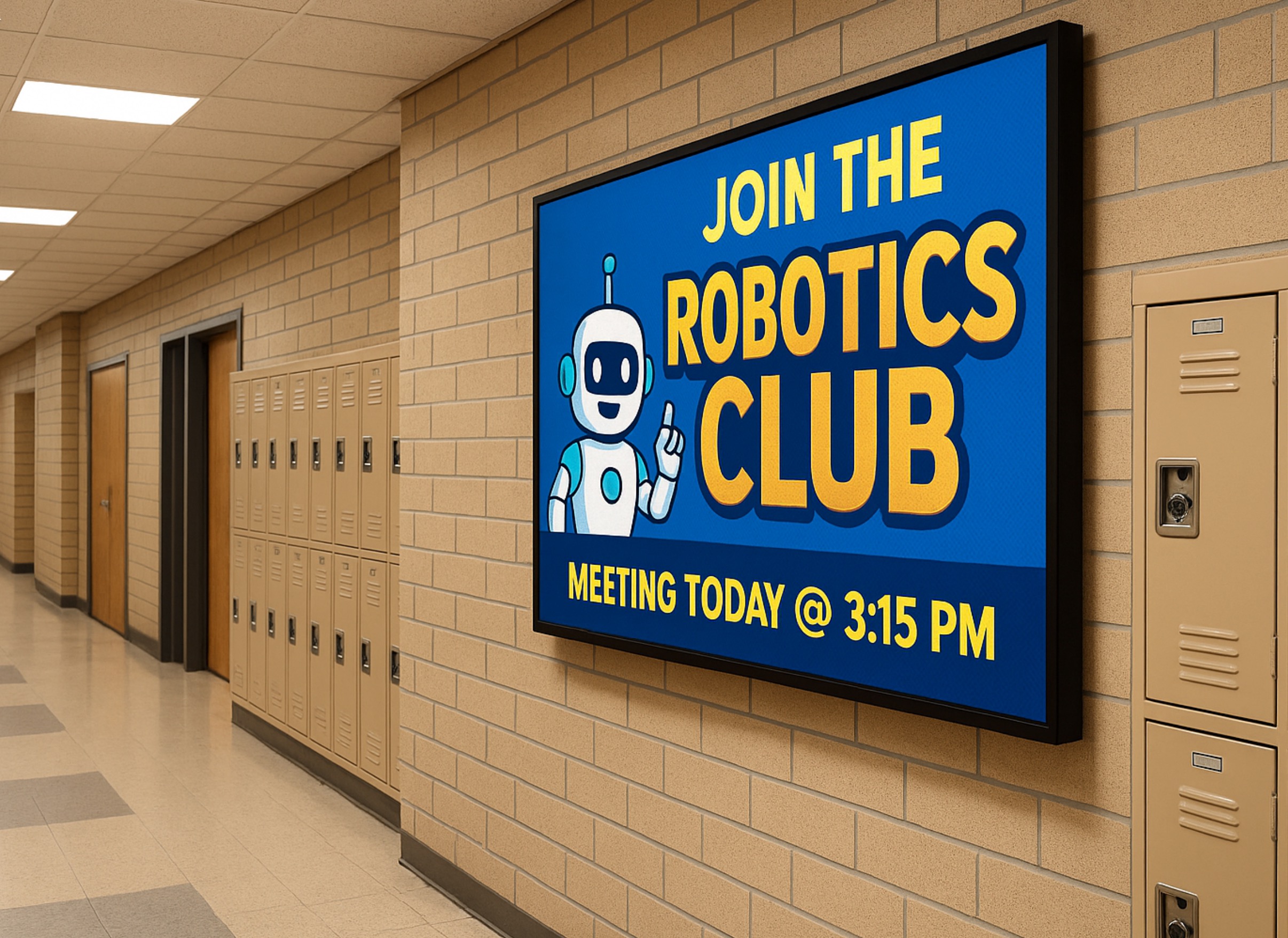
If you’ve ever looked at your current sign and thought, “This thing can’t keep up anymore,” you’re not wrong—and you’re definitely not alone. Across industries, businesses and organizations are moving away from static signage because it simply doesn’t match how fast communication happens now. A digital display isn’t just about looking newer. It’s about being able to respond in real time, stay relevant, and actually get noticed instead of blending into the background. One simple change can Reaching Hybrid Learners More Effectively Hybrid learning requires two communication paths. Messages must reach the physical school and the remote classroom at the same time. Email and portals help, but they depend on users checking them. Digital signage removes that bottleneck. LED displays placed in hallways, entries, cafeterias, and front offices show updates instantly. These screens can pull information directly from scheduling systems, safety alerts, attendance tools, or district communication software. At the same time, the content can appear on remote dashboards, virtual classrooms, and school websites. Because of this, room changes, weather delays, and hybrid-schedule shifts reach students at the exact moment they need them. Real Examples From School Districts Many districts already use digital signage systems to support hybrid environments, and the results are measurable. George School (PA) built a campus-wide digital signage network that localized content by building but allowed schoolwide messages instantly. During hybrid schedule transitions, bell times and class rotations remained accurate across campus. Missed classes dropped by 18 percent. Staff also saved nearly four hours per week once reprinting stopped. Weston School District used a “fifteen-minutes-a-day” digital signage workflow. As a result, information reached families three times faster, and QR-based reminders increased parent engagement. Additionally, the district cut its paper usage by 70 percent. Avoiding reprints for schedule changes saved thousands in toner, maintenance, and staff hours. New York City Public Schools integrated digital signage into its AV and remote-learning infrastructure. Messages now appear on campus screens, remote dashboards, and school websites at the same time. This uniform visibility strengthened emergency readiness across 1,800 campuses and removed duplication between physical and virtual communication channels. Reducing Paper Usage at Scale Paper consumption in K–12 is far higher than most leaders realize. Federal estimates show that the average student uses about 10,000 sheets of paper per year. In a district with 2,000 students, that equals 20 million sheets annually. At roughly six cents per sheet for materials and labor, schools spend about $1.2 million every year on communication that often becomes outdated within hours. Digital signage can reduce paper consumption by 60 to 90 percent. Daily announcements, event reminders, and operational updates move onto screens instead of printers. As a result, districts cut spending on toner, copier service plans, reprints, and distribution labor. Even partial digital adoption saves hundreds of thousands of dollars per year. Operational and Sustainability Gains The operational impact is significant. When schedules change, staff no longer rush to update bulletin boards or reprint materials. When a storm affects bus routes or campus operations, digital signage delivers updates instantly without adding to staff workload. Sustainability gains matter as well. Cutting paper use reduces waste, protects natural resources, and lowers transportation emissions tied to paper manufacturing and delivery. Many districts now include digital signage reductions in sustainability reports to support state and community goals. A Stronger Technology Foundation For IT teams, LED displays and digital signage solutions offer more than convenient communication. They act as a scalable, secure infrastructure layer. Modern systems connect easily to district networks and support controlled, browser-based content management. Because they scale without complexity, they strengthen hybrid learning, emergency communication, and long-term modernization plans. Why NEXT LED Signs Is the Right Partner for Schools Schools need reliable digital signage that performs every day. NEXT LED Signs delivers durable LED signs built for school environments, clear visibility in any weather, and fast five-day shipping for many models. Districts also rely on our hands-off cellular connectivity and cloud-based controls, which make updates simple for busy administrators. Whether you need an outdoor LED sign at the school entrance or indoor displays that support hybrid learning, NEXT LED Signs provides dependable technology backed by responsive support. FAQs: Digital Signage for Hybrid Learning & Reduced Print Waste How does digital signage improve communication during hybrid learning?Digital signage delivers updates instantly to students and staff on campus, which is critical when schedules shift. Research in K–12 communication shows that real-time visual messaging increases message recall by up to 83% compared to text-only emails. This helps prevent missed classes and confusion during hybrid transitions. Can digital signage actually reduce paper waste in schools?Yes. The EPA estimates students use 10,000 sheets of paper per year, and districts adopting digital signage report cutting paper consumption by 60–90%. Even modest reductions translate to major savings in toner, copier repairs, and the labor required to distribute printed materials. Does digital signage help schools respond faster to schedule changes or emergen cies? How is it out thereIt does. Districts using digital signage report that urgent updates reach the school community 2–3× faster than paper or email alone. This rapid visibility is especially important during weather delays, transportation changes, or shifts between in-person and hybrid instruction. Is digital signage difficult for school staff to manage?Modern LED content platforms allow staff to update screens in minutes. Many districts use short, daily workflows—some as simple as 15 minutes a day—to keep messaging current. Most systems also integrate with existing scheduling, attendance, or safety platforms for automated updates. What sustainability benefits does digital signage offer?Reducing paper usage cuts both waste and the environmental impact of paper processing. Every million sheets of paper eliminated prevents roughly 12,000 pounds of CO₂ emissions, according to U.S. DOE sustainability data. Schools with district-wide signage deployments have added these reductions directly into their sustainability reporting. Does digital signage support both on-campus and remote learners?Yes. Content displayed on campus screens can also be mirrored to district websites, virtual dashboards, or learning platforms. This gives remote learners the same access to daily reminders, schedule updates,