Signs Ready To Ship in 5 Days – Click Here 

Tag

Next LED Signs

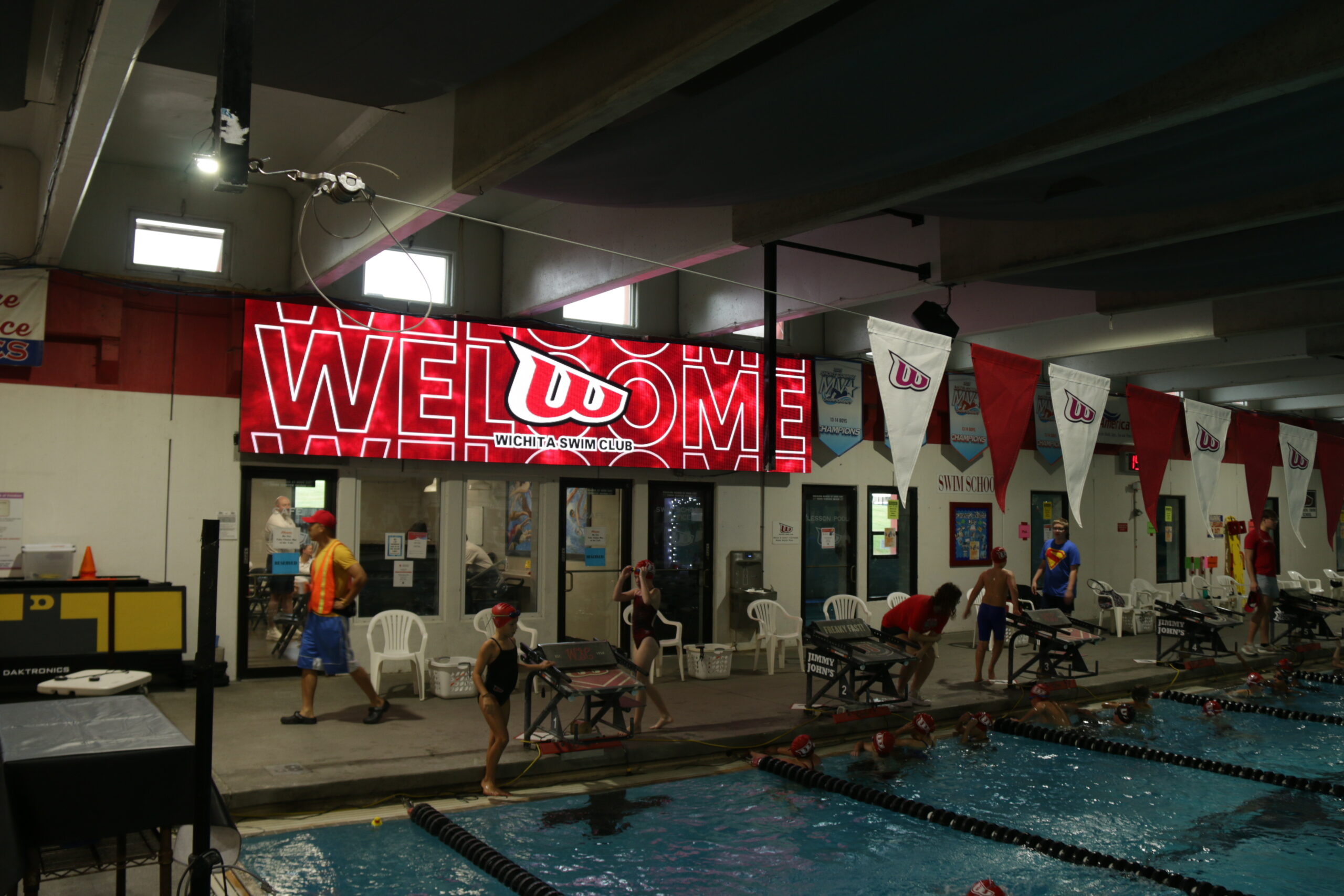
Wichita Aquatic Swim Club Scoreboard

How Versatile Are LED Sports Displays, and What Customization Options Do Schools Really Have?

Modern LED scoreboards are no longer single-sport tools; they are open-platform digital canvases capable of generating significant revenue. However, many schools unwittingly lock themselves into restrictive software contracts that limit this potential. By choosing the right ecosystem, schools can switch instantly between football, wrestling, and community events while unlocking 650% ROI for sponsors. This guide explores the four main software models, the specific sport-by-sport features available, and how to avoid vendor-locked traps. Modern LED scoreboards can handle far more than scoring. LED scoreboards have come a long way, and the biggest story isn’t the hardware—it’s the freedom schools now have with software, content, and customization. Whether you’re running Friday-night football, a wrestling tournament, or a swim meet, today’s displays can adapt to almost any sport, any layout, and any game-day experience. But versatility depends heavily on your software choices, not the panel itself. That’s the part most schools never hear during the buying process—and it can affect your scoreboard’s usefulness for the next decade. Subscription Platforms: The “Software as a Service” Model Many high-performance scoring suites operate on a SaaS (Software as a Service) model. In this scenario, the school pays an initial onboarding fee, followed by an annual subscription that covers software licensing, cloud access, and support. The Advantage: These systems are often the most polished. They typically include cloud-based tools that allow Athletic Directors to schedule content from their phone, seamless integration with livestreaming services, and regular updates that add new features automatically. The Risk: The long-term cost of ownership is higher. If the school’s budget is cut and the subscription lapses, the functionality of the board may be severely limited or disabled entirely. Additionally, you are renting the capability, not owning it. Sport-by-Sport Customization Options Once you have an open or flexible system, what can you actually display? Here is what schools can realistically expect from a well-designed scoring ecosystem: Football Game Flow: Scoring, downs, possession, and timeouts. Fan Engagement: Hype videos, “Make Noise” meters, and instant replay (with the right camera input). Revenue: Dedicated zones for sponsor rotations that run independent of the score. Basketball Data: Shot clocks (integrated), foul tracking, and period time. Visuals: Full-screen player introductions with stats and photos. Impact: Rapid-fire animations for 3-pointers and dunks. Volleyball Tracking: Set wins, current rotation, and libero tracking. Atmosphere: Match intro videos and “Ace” animations that keep the energy high. Baseball & Softball Details: Pitch count, batter stats, outs, and base runners. Advanced: Pitch speed radar integration (if hardware is available) and full lineup cards. Wrestling, Swim & Track Logistics: Lane assignments, heat sheets, and tournament brackets. Timing: Real-time clock integration for split-second results. Multi-Use & Community Events The biggest advantage of a versatile LED display is that it doesn’t have to be a scoreboard at all. The same board can run: Graduations: Live camera feeds of students walking the stage. Movie Nights: High-definition films for community fundraisers. Concerts: Visual backdrops for band performances. Emergency Alerts: Clear, bright instructions during campus emergencies. Versatility is the entire point. You aren’t just buying a scoreboard; you are buying a communication tool. The Economics of Versatility: Revenue & Education Versatility isn’t just about fun; it is a financial strategy. When a display can switch from a scoreboard to an advertising platform, the math changes. Industry reports indicate that 95% of schools recover the full cost of their digital scoreboard through sponsorship revenue within the first 12 months. Because digital ads can be rotated and scheduled, schools can offer more inventory to local businesses. For the sponsors, the return is equally impressive. Local businesses investing in scoreboard ads frequently see returns of 650% or more during a single high school sports season. Beyond revenue, the versatility of these boards supports educational outcomes. With 96% of students reporting that video content enhances their learning experience, using the scoreboard as a hands-on lab for AV and marketing classes turns a capital expense into a curriculum asset. Manufacturer-Locked Software: The Buyer-Beware Category This is the most common trap for schools. Some legacy scoreboard manufacturers design their LED displays to listen only to their proprietary data signals. The Reality: When you buy a manufacturer-locked system, you are marrying that vendor for the life of the display. No Switching: If their software interface is clunky or difficult for students to learn, you cannot switch to a third-party provider like Scorebird or ProPresenter. Forced Obsolescence: If the manufacturer decides to stop supporting that specific controller or software version, you may be forced to buy expensive proprietary hardware upgrades just to keep the board running. Limited Versatility: You are often limited to the specific sport templates they provide. If you want to use the board for a non-sport event (like a graduation or movie night), the proprietary software may make it difficult or impossible to display standard video formats. One-Time-Purchase Platforms: The Traditional Model Other systems operate under a “buy it once” model. You purchase the software license upfront as part of the capital installation cost. The Advantage: This creates a predictable “Total Cost of Ownership” (TCO). Once the system is installed, there are no surprise bills in Year 3 or Year 5. The Trade-off: Upgrades are usually manual and may require a fee. Over time, the software can become dated unless the school actively invests in the next version. Open-Platform Scoreboards: Maximum Freedom This is the modern standard for versatility. Open-platform systems treat the LED display as a giant computer monitor. They can accept standard video inputs (HDMI, SDI, NDI) from any source. Why This Matters: Software Agnostic: You can use a dedicated scoring platform for games, then plug in a laptop running PowerPoint for a school assembly, or a media server for a graduation ceremony. Future-Proof: If a better scoring software comes out in five years, you can switch to it without replacing your expensive LED hardware. Student Friendly: You can run industry-standard production software (like OBS, vMix, or Adobe products), giving students real-world skills they can use in future careers. The Economics of
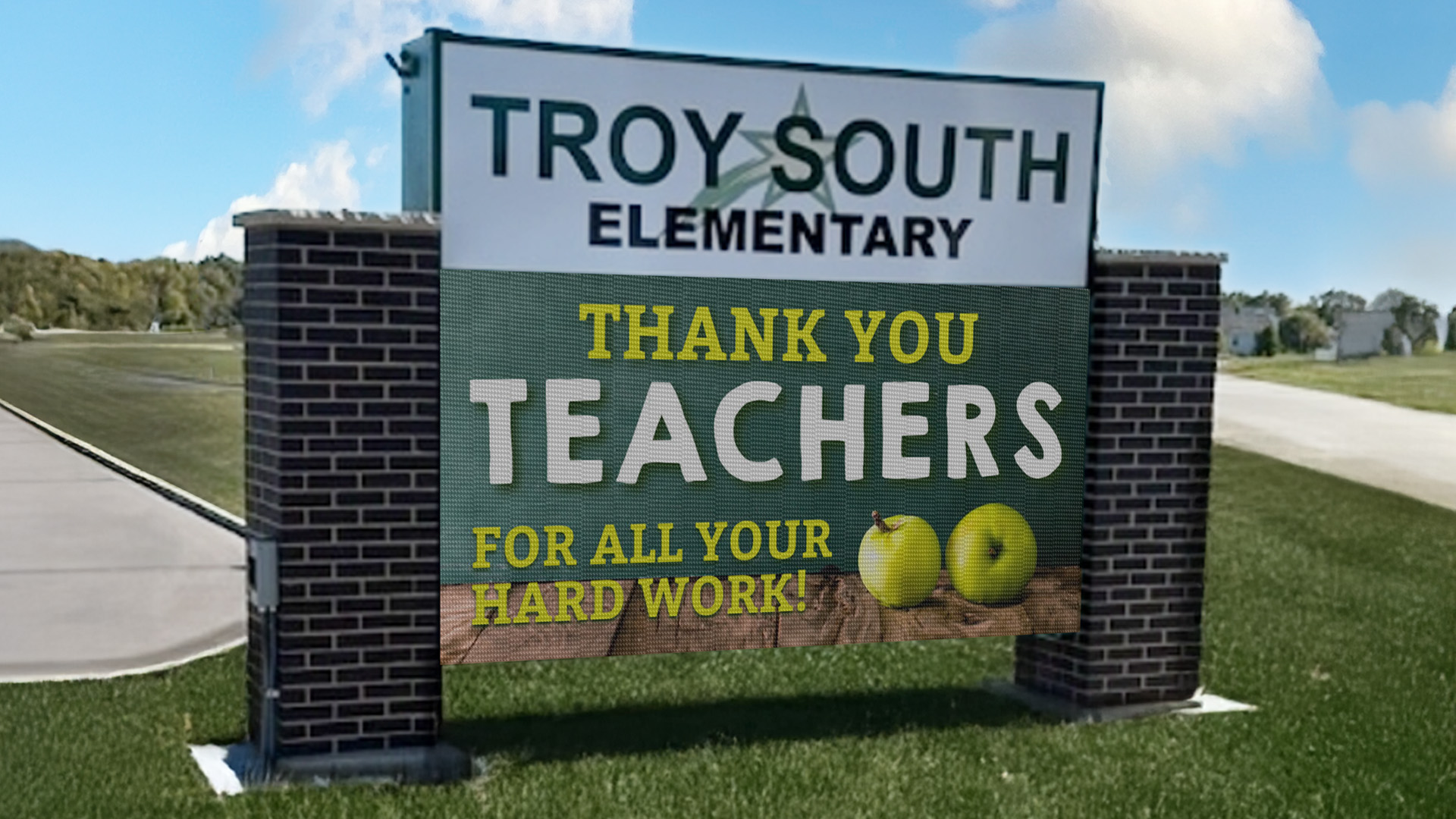
STAX Full color outdoor LED sign at Troy South Elementary

What Are the Content Ideas That Keep School Digital Signs Fresh and Engaging?

Students ignore static messages. To capture the attention of a digital-native generation, schools must leverage dynamic, rotating content that speaks their language. Research shows that digital signage captures 400% more views than static displays and improves information retention by 83%. This guide outlines specific content strategies—from student-generated graphics to safety integration—that prevent “sign immunity” and turn your digital displays into a central communication hub for your campus. https://www.youtube.com/watch?v=ZlZCQ6AxF3Q Why Fresh Content Matters in K-12 Environments Students absorb information visually, but they filter out anything that feels stale. Research from digital signage studies shows: Content variety increases attention by 32% when screens cycle through multiple formats rather than repeating the same visuals. User-generated content boosts engagement by 45%, especially among Gen Z students who respond to peer-created visuals. Viewers retain 65% of visual information when refreshed frequently compared to 10% for static text alone. In environments with regular message rotation, students were 28% more likely to recall upcoming events or deadlines. Fresh content isn’t cosmetic—it directly affects communication success. Student-Created Content (The Most Powerful Engagement Tool) When students create the messages, other students stop and look. One New Jersey high school ran a monthly “Message of the Month” contest. Students designed graphics, submitted animated ideas, and the winner earned bragging rights, lunch vouchers, and a spotlight on the school’s LED display. It achieved two things: It eliminated sign fatigue because content reflected student voice. It became part of the curriculum, integrating design, media production, and communication skills. The Data Backs This Up: Studies indicate that 96% of students believe video and digital content significantly enhance their learning experience, making this a dual-purpose tool for engagement and education. Schools can use: Graphic design classes AV clubs Digital literacy programs Yearbook or broadcast teams Art classes experimenting with animation or typography Students feel ownership. The signs feel relevant. Weekly Themes to Maintain Novelty Without Overloading Staff Schools that adopt a rotation schedule see higher message recall. Examples: Motivation Monday: Student quotes, teacher spotlights, or sports highlights. Wellness Wednesday: Nutrition tips, mental-health reminders, counselor messages. Feature Friday: Clubs, achievements, volunteer opportunities. This structure provides the needed variety while keeping updates manageable. Research on rhythm in messaging shows that predictable but varied content cycles improve attention by 21% over static loops. Real-Time, Student-Relevant Information Students look at screens when the content affects their day. High-impact items include: Bell schedule changes Lunch menus (Digital menu boards can reduce perceived wait times by 35%) Bus route alerts Sporting event reminders Weather or emergency updates Club meetings happening “today” A study on school communication found that time-sensitive messages increase student engagement by 46% because they’re immediately useful. In fact, 97% of students prefer receiving information via digital channels over non-digital sources. Visual Richness: Use Movement, Color, and Format Mixes LED displays excel with motion. Research on screen-based learning shows that short animated elements increase retention by 38%, even if the animation is subtle. Use: Short loops (3–5 seconds) Light motion backgrounds Friendly transitions High-contrast school colors However, avoid overly complex motion, which can reduce readability for younger students. Recognize Students Often and Publicly Students stop scrolling their phones and look at LED signs when someone they know appears on it. High-impact content: “Students of the Month” Athletics wins Robotics awards Perfect-attendance shoutouts Art or writing features One Illinois district reported a 60% increase in student engagement after adding weekly student spotlights to their digital displays. Recognition builds pride—and attention. Use Your LED Signs as Part of School Culture When digital signage reflects the personality of the school, students see it as “their” message board, not an adult bulletin board. Try: Daily jokes from students Fun countdowns (holidays, dances, tests, spring break) Spirit week themes Artwork or photography Senior-class messages School trivia questions Gamified announcements increase engagement by up to 40%, according to EdTech behavioral studies. Promote Safety and Belonging Content that reinforces well-being stays top-of-mind. Beyond daily wellness, digital signage is a critical safety tool. 92% of schools now use digital signage for emergency notifications because it cuts through the noise. Emergency Alerts: Real-world case studies, such as Necedah Schools, showed that integrating digital signage with emergency systems reduced lockdown response times by over 50%. Anti-bullying messages Kindness campaigns Cultural heritage celebration weeks This supports SEL goals while naturally rotating content. Keep Content Short and Rotating Quickly Studies show: Students stop watching after 6–7 seconds per message. A loop longer than 90 seconds decreases viewer attention by half. Shorter loops (45–60 seconds) ensure students see multiple messages at any stop point. Quick rotation also fights sign immunity. Include Faculty and Staff in the Content Pipeline Teachers and club leaders often have great ideas but no easy way to share them. Schools with high engagement create simple submission channels: Google Forms for content ideas Shared drive folders for images Monthly “content days” where departments send updates When teachers participate, content becomes more varied and lively. Use Classroom Curriculum to Feed the Signs Naturally Schools that integrate signage into existing subjects never run out of content. Examples: History classes create mini historical facts Science students build animated diagrams Math clubs share “Problem of the Week” Language departments share daily vocabulary Theatre departments post performance clips or rehearsal photos This solves the workload problem and reinforces classroom learning. Avoiding Sign Immunity: Best Practices To prevent message fatigue: Update weekly (minimum). Replace all static messages monthly. Avoid repeating the same image or color slate too often. Use different formats: photos, color accents, video loops, student voices. Tie content to the school calendar so it stays timely. Use student-generated content as your anchor. Schools that follow these steps see higher student awareness, stronger attendance at school events, and better communication flow. One or two Frequently Asked Questions About Keeping School Digital Signs Engaging How often should school digital signage content be updated? To maintain high engagement, best practices suggest updating general announcements at least weekly. However, for time-sensitive information like lunch menus or schedules, daily updates are essential. Research indicates that rotating

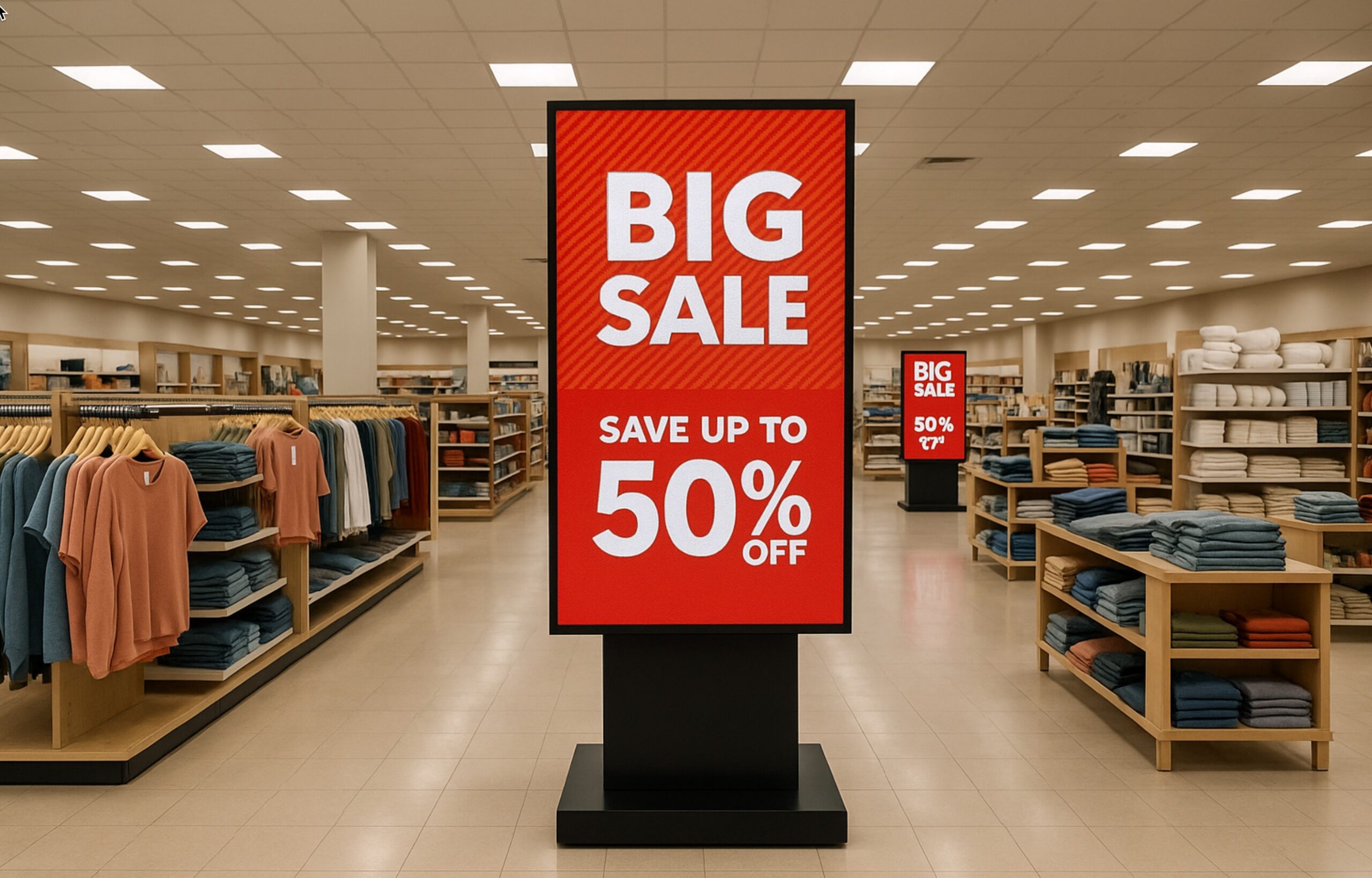
Indoor LED sign for retail sales promotion freestanding aisle display

Where Is the Best Placement for Digital Signs in a Retail Store?

ARetailers often ask, “Where should I put my screen?” The answer directly impacts your bottom line. While 76% of shoppers enter a store because of entrance signage, the strategy changes once they are inside. From reducing perceived wait times at checkout by 35% to using “distance theory” to drive foot traffic deep into your aisles, this guide breaks down the psychology and data behind perfect in-store sign placement. Retail Sign Placement: Is Your “Silent Salesperson” Actually Doing Its Job? Retailers use LED displays to guide shoppers, highlight promotions, and create a more engaging in-store experience. Yet, for all their popularity, many businesses still wonder: Where exactly should these screens go? Placement isn’t just about finding an empty wall. It affects visibility, traffic flow, and most importantly, how customers react to the message. The right location can increase sales and basket size, while the wrong location—even with great content—can make the display easy to ignore. Digital signs work best when they support how people naturally move through a store. They should spark interest, answer questions, or help shoppers decide faster. Entrance signs, aisle displays, and counter screens all play different roles in the buying journey. Understanding those roles helps retailers use LED displays to connect customers with the products they actually want. Entrance Signs: The “Hook” That Draws People In The entrance is one of the highest-value spots for any LED display. Research consistently shows that 76% of shoppers have entered a store specifically because digital signage caught their attention near the entrance. That number alone explains why storefront displays matter so much. They operate like a visual invitation, giving customers a concrete reason to step inside rather than walking past. Bright motion catches the eye: This is crucial when people are approaching from a sidewalk or parking lot where distractions are high. First impressions happen in seconds: Entrance signs shape how customers view the entire brand before they even touch a product. Use these screens to highlight new arrivals, seasonal items, or daily deals. A strong entrance sign transitions the customer from “passerby” to “shopper.” Window-Facing Signs: The Dual-Threat Display Many retailers place LED displays inside the front windows, facing outward. This is a strategic power move because it reaches two audiences at once. Outside Traffic: It grabs the attention of people on the street or in the parking lot. Inside Traffic: Shoppers already inside the store see the display again as they browse near the front. This repetition is key to marketing psychology. Reinforcing the message strengthens brand recall and helps featured items stay top of mind. Window displays are especially useful for stores in high-traffic areas where footfall is heavy. When shoppers see something dynamic in the window, curiosity spikes. That curiosity is the first step toward a sale. Aisle and Mid-Store Displays: Guiding the “Wanderer” Many customers walk into a store without a strict plan. They browse, wander, and make decisions on the spot. This is where mid-store digital signs shine. Mid-store displays act as “digital ushers,” guiding behavior by showing product ideas, comparisons, and quick explanations. Keep them moving: Screens placed along wide aisles or near transition points pull customers deeper into the store. The “Exposure Effect”: The deeper they walk, the more products they pass. Studies show that increasing a customer’s path through the store directly correlates with larger basket sizes. These screens give retailers space to educate or inspire without being intrusive. Because shoppers read signage while they are moving, these displays should deliver simple, punchy messages that encourage the next step, rather than overwhelming them with fine print. The “Distance Effect”: Why Promoting Farther Works Better Here is a surprising insight from retail research that most stores get wrong: Digital signs are often more effective when the promoted product is NOT directly next to the screen. It sounds counterintuitive, but shoppers respond better when the item is located a few aisles away rather than right under the display. Why? The “Pressure” Problem: When a product sits directly beside the screen, the message feels obvious. It feels like a sales pitch. People notice the screen, but their defense mechanisms go up, and they often walk past without engaging. The “Discovery” Solution: When the LED display promotes an item located farther away, the experience feels like a treasure hunt. A shopper sees the image, gets curious, and decides to walk toward that section. This shift from “being told” to “discovering” changes the entire emotional dynamic of the shopping trip. Furthermore, that movement generates revenue. As customers walk from the sign to the product, they pass other shelves and see other items. The LED display becomes a directional cue that serves the shopper, not just an advertisement sitting on a shelf. This strategy is incredibly powerful for high-margin items placed deep inside the store. Checkout Displays: The Master of the Impulse Buy LED signs near the checkout area function completely differently from entrance or mid-store displays. The Mindset: Customers here are done browsing. They are in “buy mode.” The Opportunity: They are a captive audience standing in line. Screens behind the counter are the perfect place to promote impulse items, service upgrades, loyalty programs, or limited-time offers. Data indicates that digital signage at checkout can increase impulse purchases by 19% to 30%. Perhaps more importantly, a well-placed checkout display reduces perceived wait times by up to 35%. When customers have something entertaining or informative to watch, the line feels faster, and customer satisfaction scores go up. High-Traffic Zones: Meeting Customers Where They Are Every retail store has predictable “hot spots”: entrances, wide central aisles, and transitions between departments. Placing LED displays along these natural paths guarantees visibility because people instinctively slow down or turn in these areas. Because shoppers are moving through these zones, the content needs to be fast. Motion graphics and simple visuals work best here. The screen’s job is to capture attention, reinforce the promotion, and hand the customer off to the next section of the store. Summary: Matching the Location to

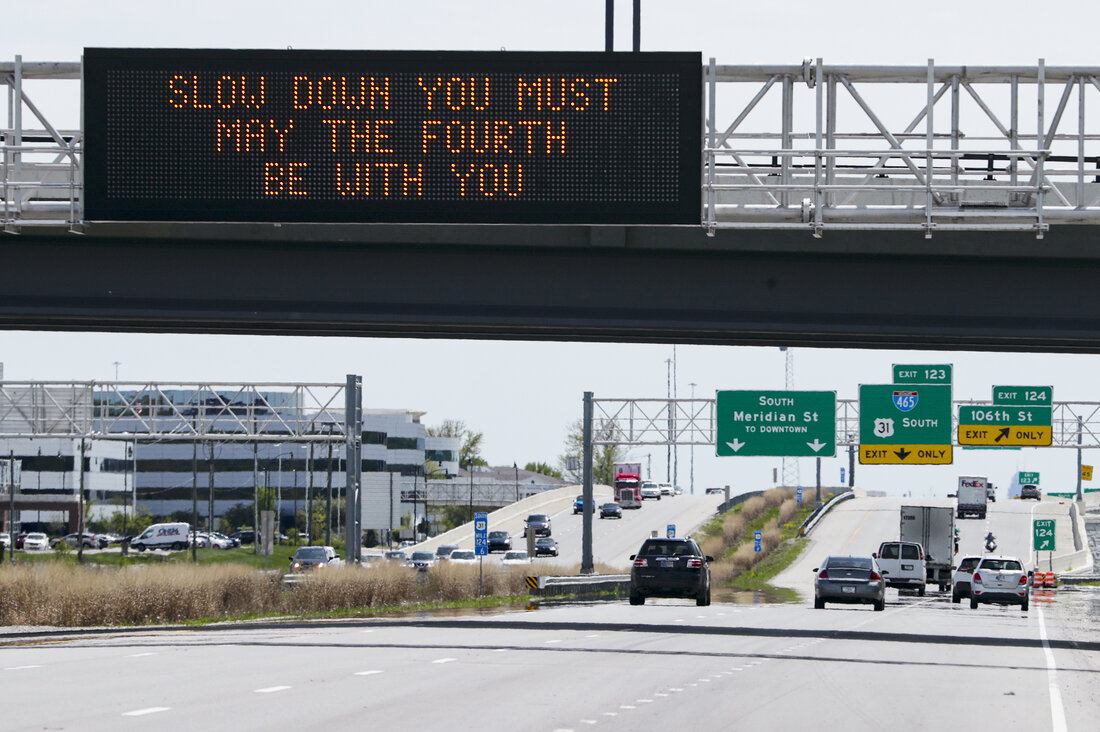
Overhead Traffic LED Displays

LED Signs Improve Traffic Flow and Public Transportation

In today’s fast-paced urban environments, managing traffic flow and public transportation systems efficiently is more critical than ever. LED digital signs have emerged as a key technology in helping cities and transportation authorities streamline traffic management, improve commuter experiences, and enhance public safety.