Digital signage for government & municipalities.
Inform residents. Guide visitors. Keep public information current.
- InformShare meetings, services, and public notices.
- GuideHelp visitors find offices and facilities.
- UpdateKeep schedules and announcements current.
Government & municipalities
Keep residents informed. Help visitors find their way.
- Public notices
- Visitor information
- Scheduled message updates
Public notices and meetings
Share council meetings, public hearings, office hours, and service changes. Schedule notices in advance and remove messages when their dates have passed.
Visitor information
Help residents prepare for their visit with check-in instructions, department locations, and current hours. Place displays where visitors can read the information before choosing their next step.
Wayfinding and directories
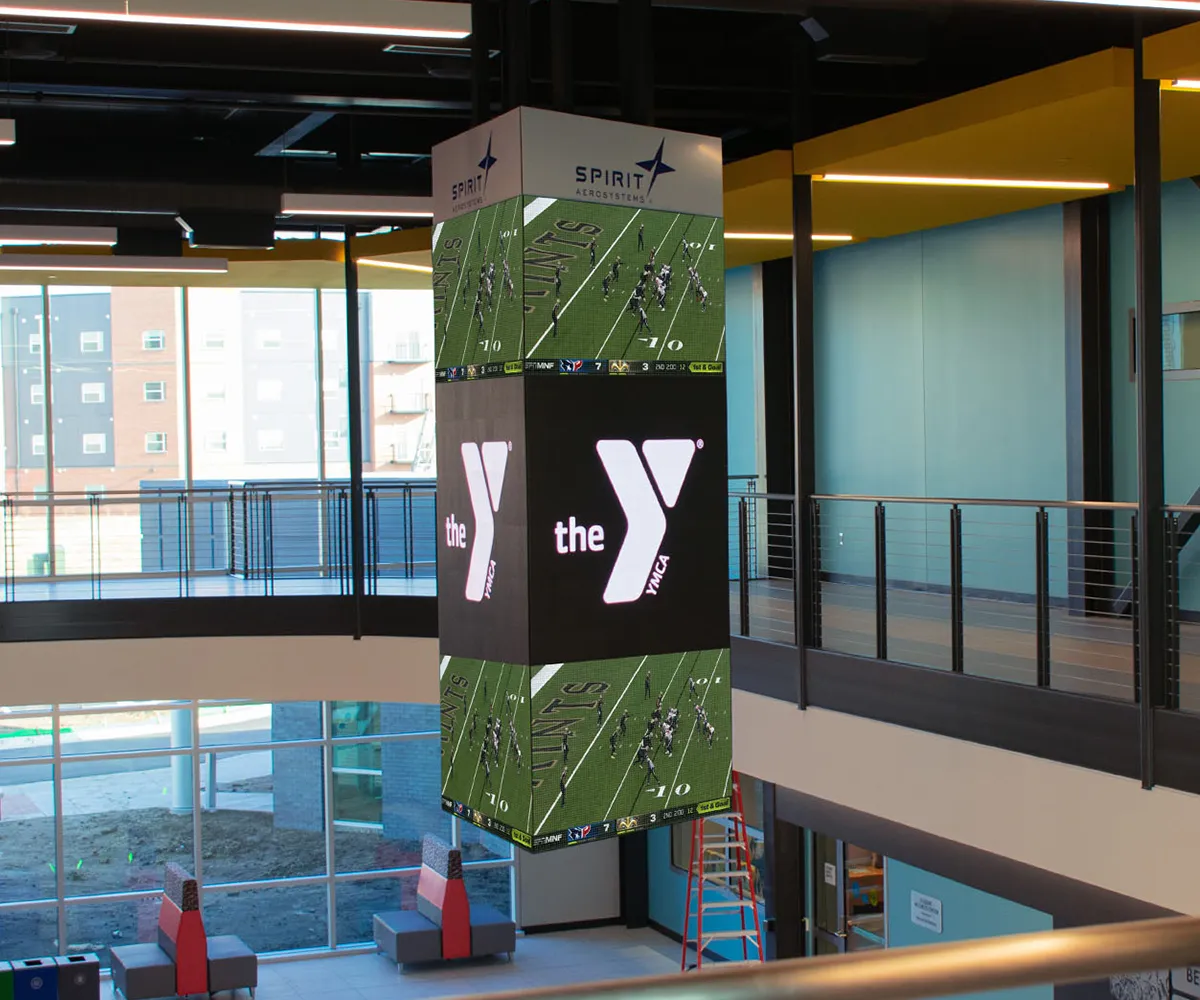
Guide visitors to offices, meeting rooms, service counters, and entrances. Keep directions simple and match text size to viewing distance.
Community events
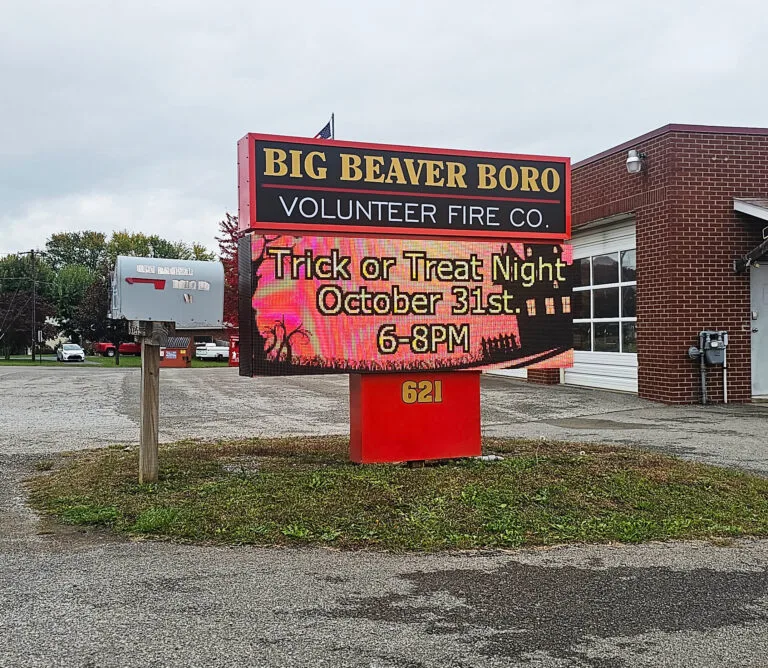
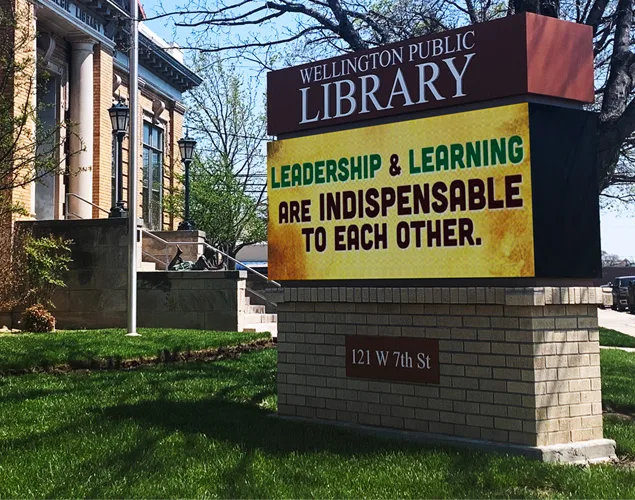
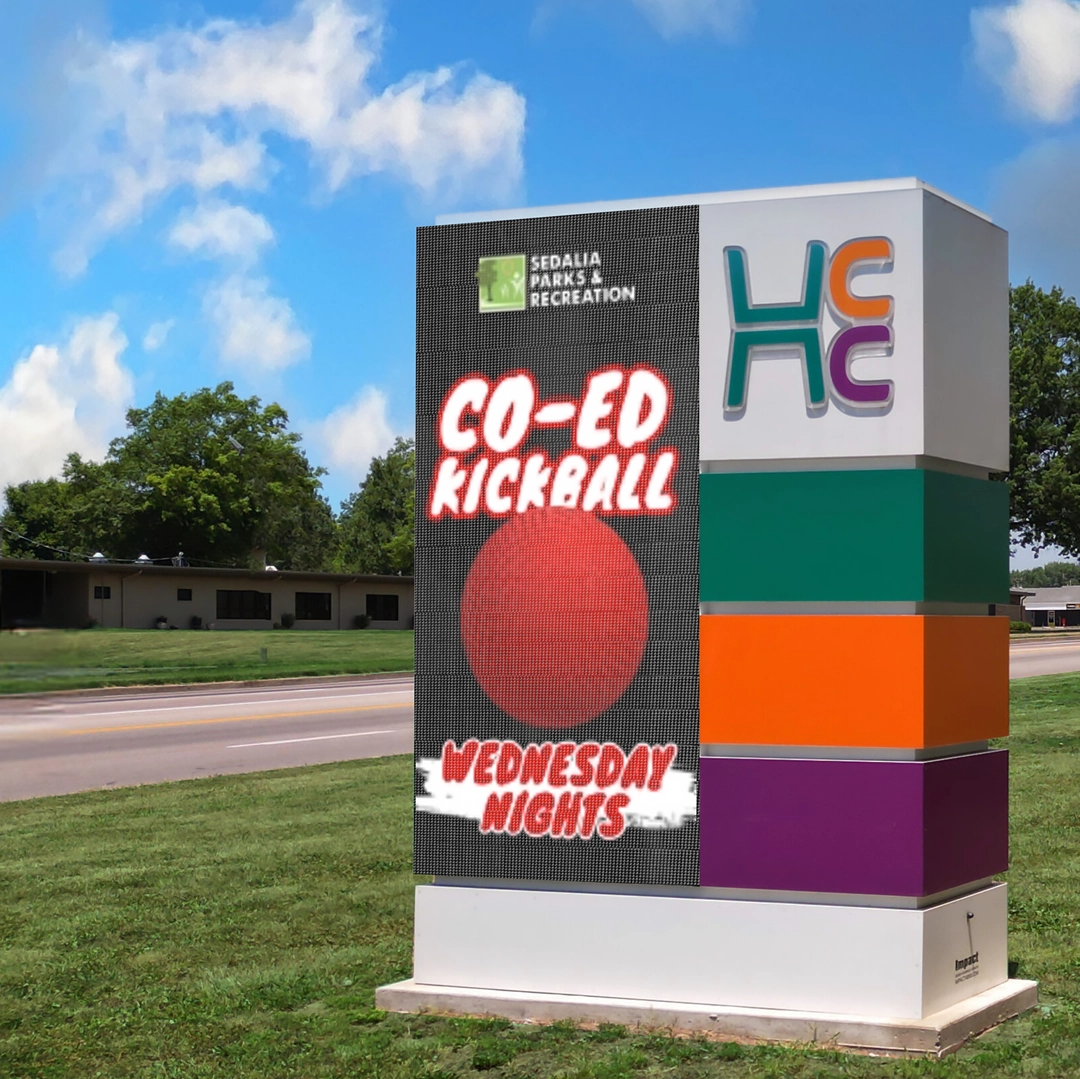
Promote library programs, recreation activities, town events, and seasonal services. Rotate announcements to support multiple departments without replacing printed signs.
Safety and service updates
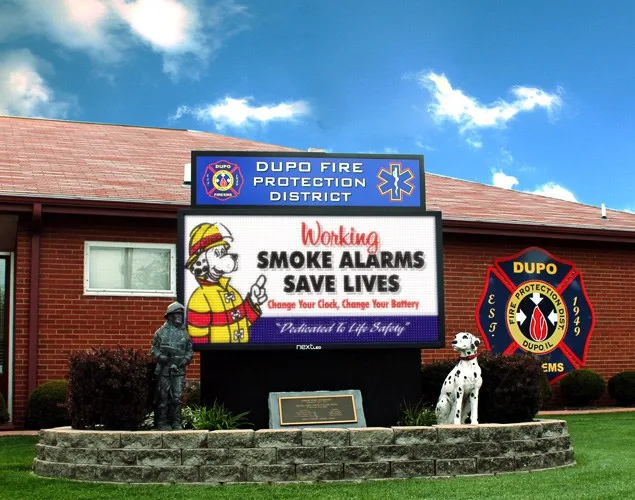
Display approved safety messages, weather-related closures, and changes to public services. Establish who can publish urgent updates and keep other communication channels in place.
Plan for the location
Consider sight lines, accessibility, local sign requirements, power, connectivity, and maintenance access. Select indoor or outdoor displays for the viewing conditions at each facility.
Applications
Connect your community, from street to service counter.
Four ways to keep residents and visitors informed.
-
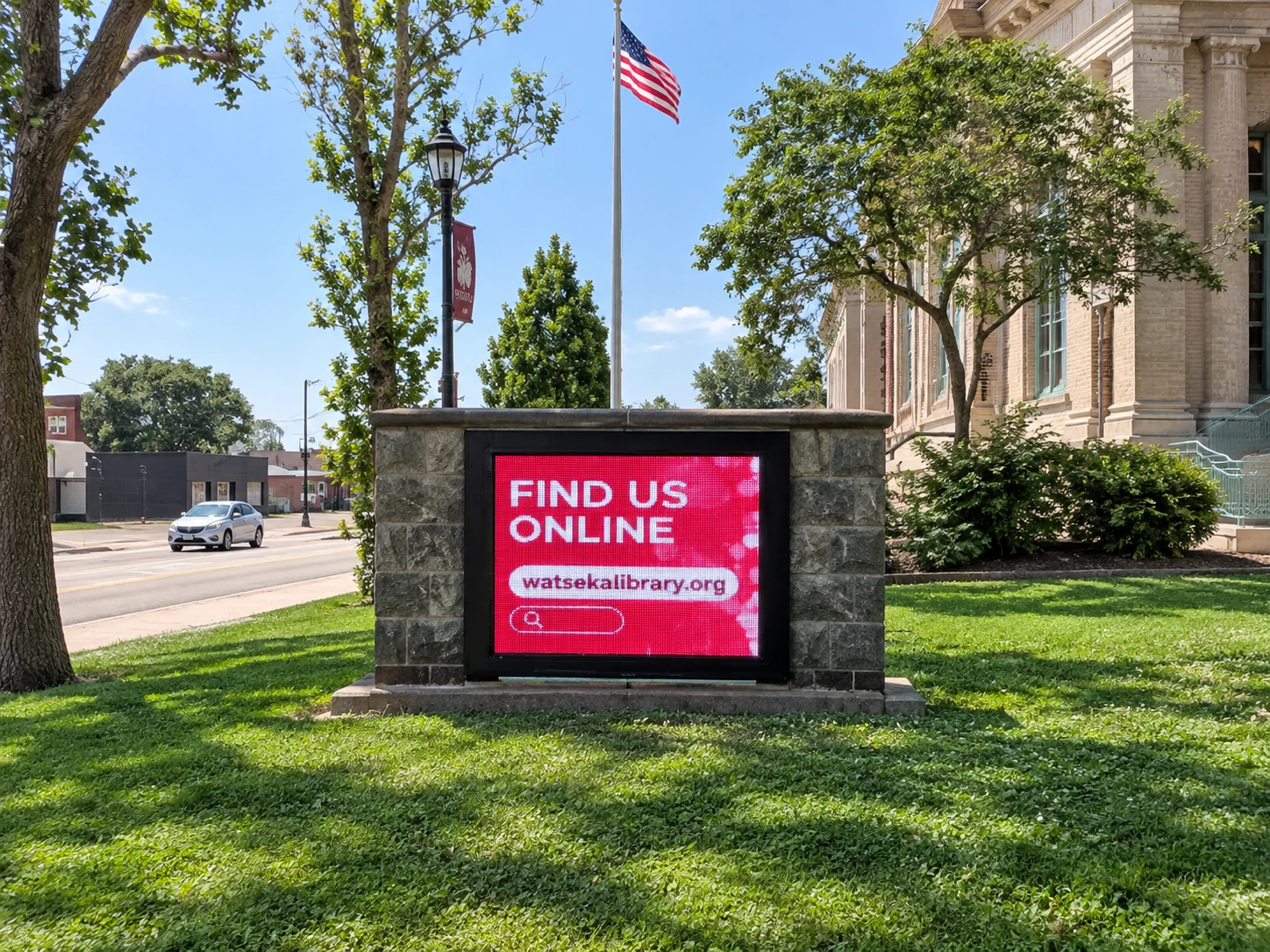
Promote library activities, public events, and municipal programs.
-
Share department announcements, safety reminders, and current service information.
-
Help visitors find departments, service counters, and meeting rooms.
-
Keep meeting dates, community announcements, and service changes in view.
Frequently asked questions
Government signage questions, answered.
Planning displays for public facilities.
- How can municipalities use outdoor LED signs?
Outdoor displays can share meeting dates, public notices, community programs, office hours, and service changes. Keep roadside messages short and readable.
- Where do indoor displays fit in government buildings?
Indoor displays can support visitor instructions, directories, meeting information, and service-counter updates. Placement depends on foot traffic and viewing distance.
- Can different departments share one sign?
Yes. A content schedule can include messages from several departments. Assign publishing responsibilities and review dates so information stays current.
- What should we review before choosing a display?
Review the site, audience, viewing distance, lighting, accessibility, sign requirements, power, connectivity, and maintenance access. Confirm any required integrations separately.
Keep your community informed. Make every message clear.
We’ll help you plan LED displays for your public facilities and the people they serve.