Choosing an LED display involves more than deciding how large the screen should be. Pixel pitch also affects image clarity, viewing distance, content possibilities and project cost.
A display inside a retail store has very different resolution requirements than a monument sign beside a road or a large pylon display viewed from the highway. The right pixel pitch depends on where the audience will be, how quickly they are moving and what the display needs to communicate.
The objective is not simply to purchase the smallest pixel pitch available. It is to select the resolution that delivers the right visibility and image quality for the application.
What Is LED Pixel Pitch?
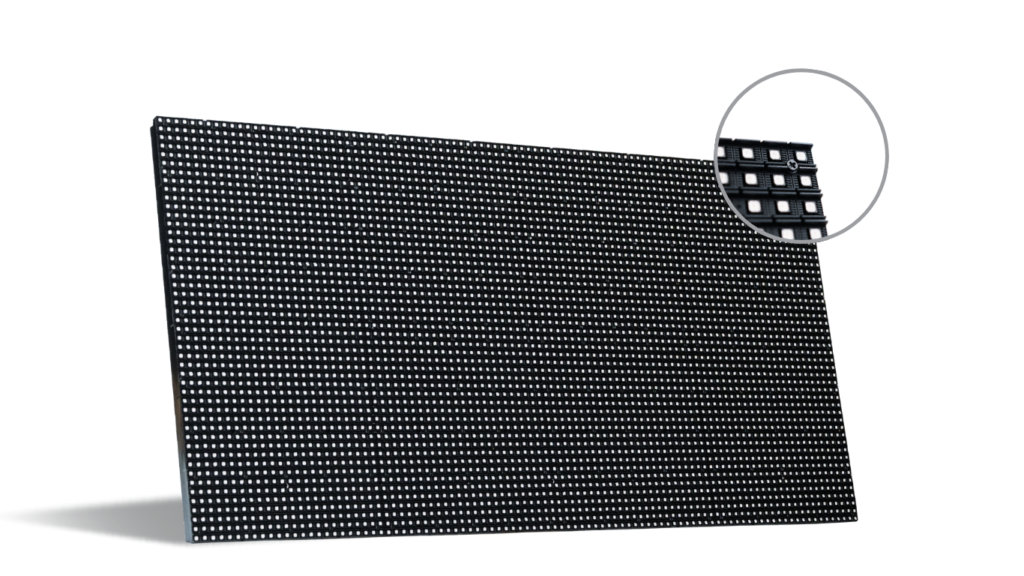
Pixel pitch is the distance, measured in millimeters, from the center of one LED pixel to the center of the next. A P4 display has approximately 4 millimeters between pixel centers, while a P10 display has approximately 10 millimeters.
A smaller pixel-pitch number means the pixels are positioned more closely together. This creates greater pixel density and smoother detail when the display is viewed up close.
Smaller pixel pitches generally provide:
- More detailed images
- Smoother text and graphics
- Better close-range viewing
- More pixels within the same display area
Larger pixel pitches are designed for greater viewing distances. When the audience is farther away, the pixels blend together and create a clear, unified image.
Viewing Distance Is the Best Place to Start
The closest expected viewer is one of the most important considerations when selecting pixel pitch.
Customers standing near an indoor video wall can see small details and may notice individual pixels if the pitch is too large. Drivers viewing a roadside sign from hundreds of feet away do not require that same pixel density. At longer distances, the overall size, brightness and readability of the display become more important.
As a general guide:
- P2.5: Recommended minimum viewing distance of approximately 8 feet
- P4: Approximately 13 feet
- P6: Approximately 20 feet
- P8: Approximately 26 feet
- P10: Approximately 33 feet
- P12: Approximately 40 feet
- P16: Approximately 53 feet
- P20 and above: Approximately 66 feet or more
These distances provide a useful starting point. The final recommendation should also consider display size, indoor or outdoor placement, audience speed, content type and brightness requirements.
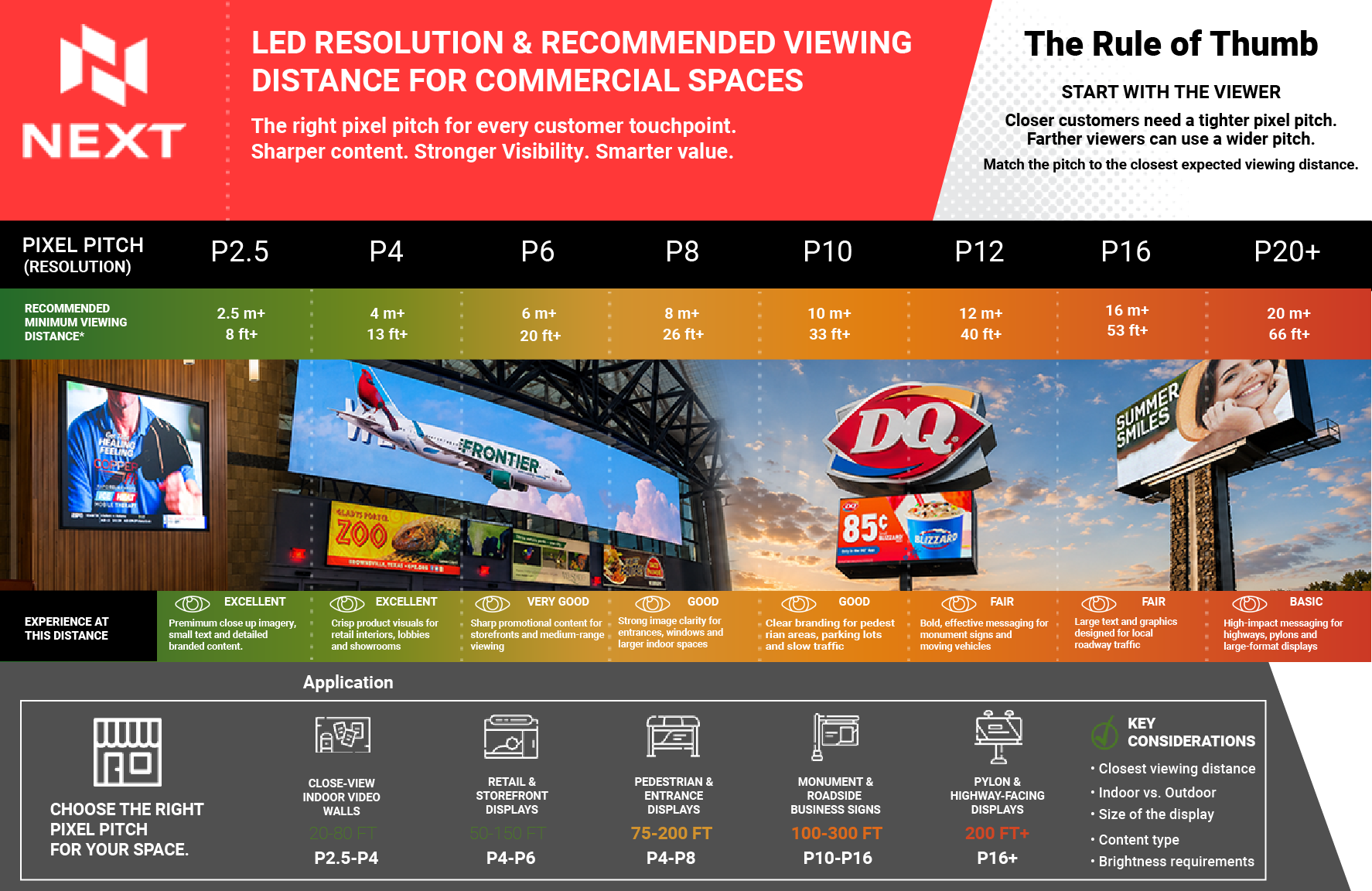
Recommended Pixel Pitch by Commercial Application
Close-View Indoor Video Walls
Typical viewing distance: 20–80 feet
Suggested pixel pitch: P2.5–P4
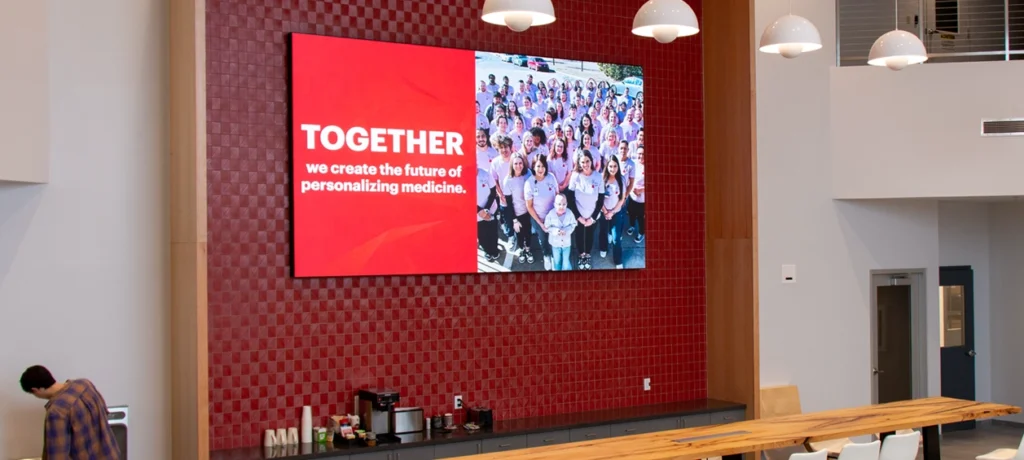
Indoor video walls are frequently viewed by customers who are standing or walking nearby. These applications may feature detailed photography, product information, branded videos, presentations or small text.
A tighter pixel pitch helps images appear smooth and detailed at close range. P2.5 to P4 is well suited for corporate interiors, hospitality spaces, reception areas, showrooms, entertainment venues and premium branded environments.
Lighting conditions are usually more controlled indoors, so brightness requirements may be lower than they are for outdoor displays. Image detail and comfortable close-range viewing become the greater priorities.
Retail and Storefront Displays
Typical viewing distance: 50–150 feet
Suggested pixel pitch: P4–P6
Retail displays need to attract attention while keeping products, promotions and branded content crisp and recognizable. Viewers may encounter the display from inside the store, through a window or while approaching the entrance.
P4 to P6 can provide an effective balance of image detail, visibility and value for retail interiors, storefronts and showrooms.
The appropriate pitch depends on whether customers will stand near the display or view it mainly while walking past the storefront. Displays containing product photography, prices or smaller text may benefit from a tighter pitch.
Pedestrian and Entrance Displays
Typical viewing distance: 75–200 feet
Suggested pixel pitch: P4–P8
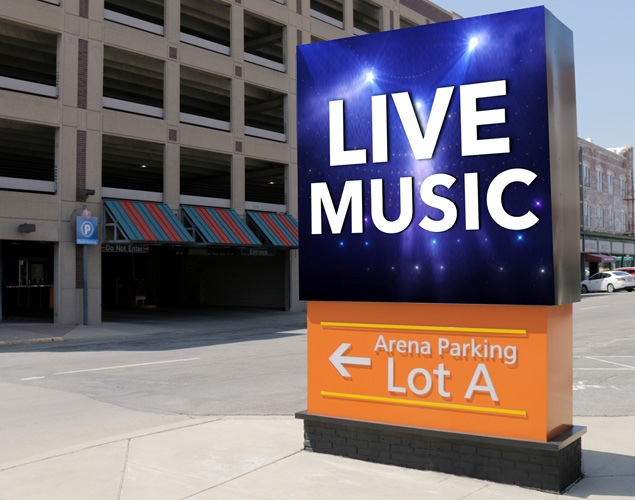
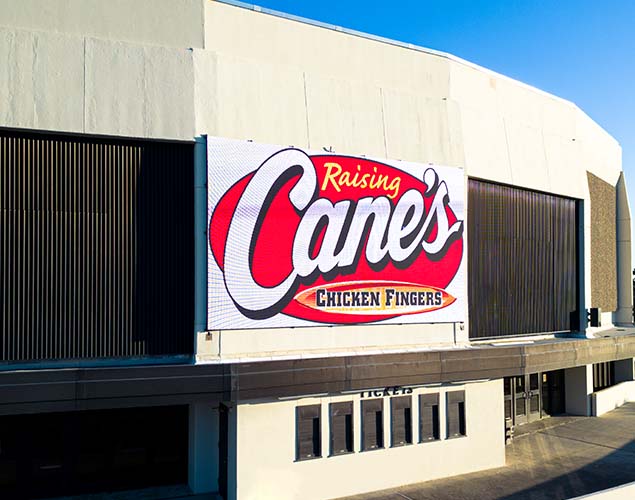
LED displays near building entrances, entertainment venues, campuses and public gathering areas must communicate with people approaching on foot or moving through the property.
P4 to P8 supports clear promotional messages, event information, branded graphics and directional content across a variety of pedestrian viewing distances.
The amount of detail shown should match how people use the space. A person waiting near an entrance has more time to view information than someone walking quickly past the display.
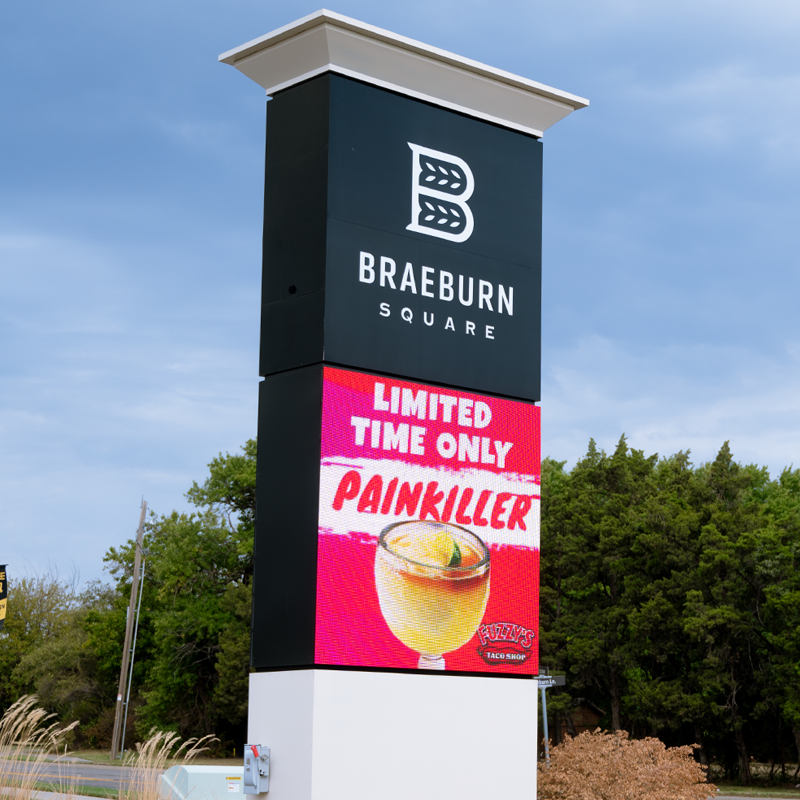
Monument and Roadside Business Signs
Typical viewing distance: 100–300 feet
Suggested pixel pitch: P10–P16
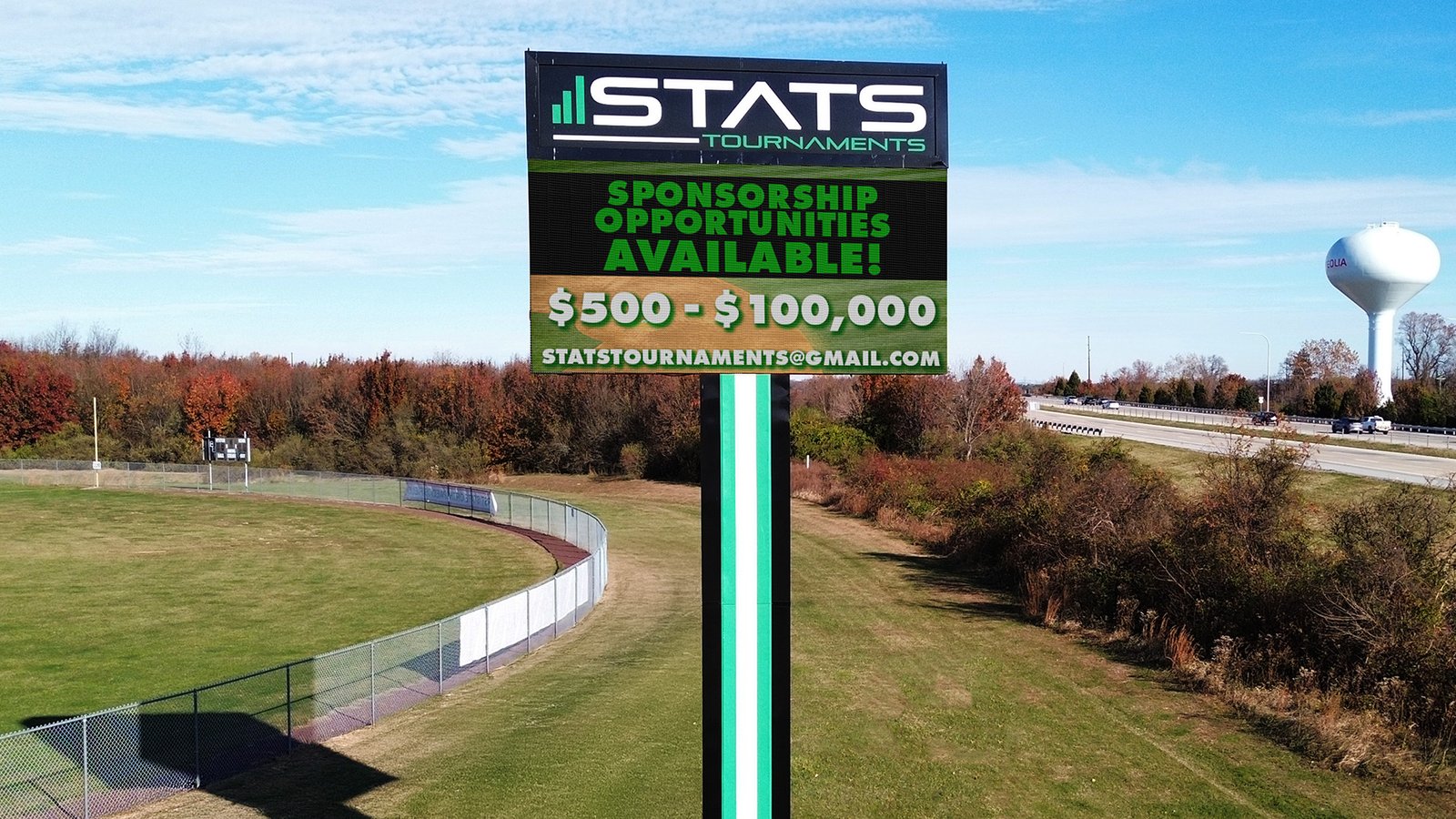
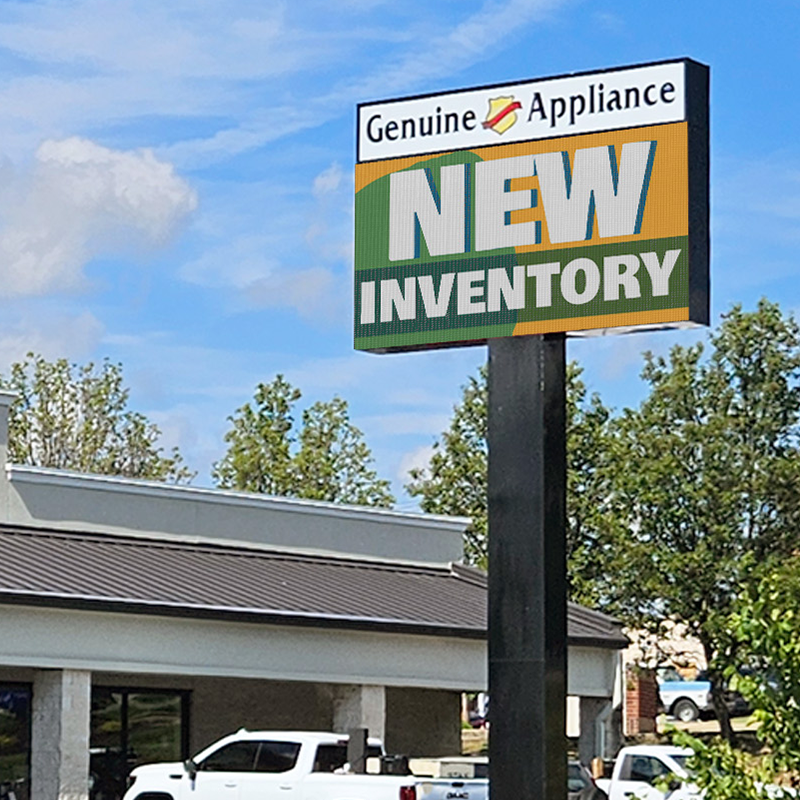
Roadside business signs are generally viewed by drivers rather than stationary audiences. At these distances, large text, strong contrast and simple visual organization are more important than extremely fine image detail.
P10 to P16 can provide clear branding and readable messaging for monument signs, shopping centers, schools, churches, dealerships and other roadside applications.
Traffic speed also matters. A sign beside a slower city street can support more detail than one viewed by drivers traveling at higher speeds. The message must be readable within the limited time available.
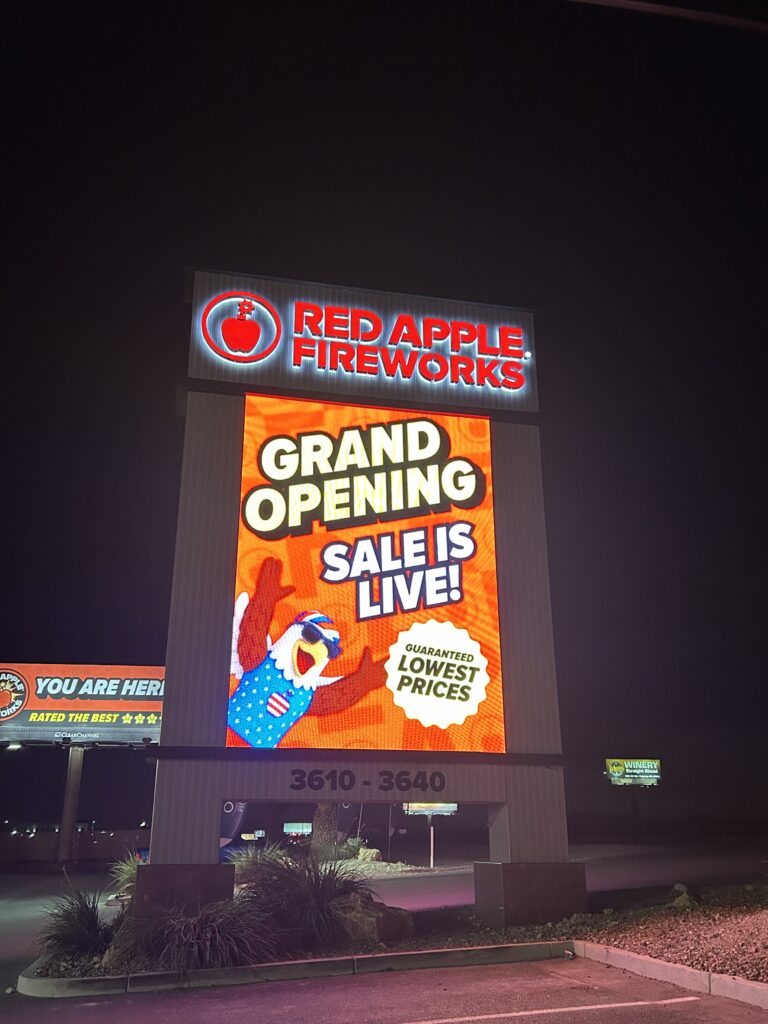
Pylon and Highway-Facing Displays
Typical viewing distance: 200 feet or more
Suggested pixel pitch: P16 and above
Large pylon and highway-facing displays are built for visibility over greater distances. These signs typically rely on large text, bold graphics and concise messages that drivers can recognize quickly.
Because viewers are farther away, a larger pixel pitch can deliver an effective image without adding resolution that cannot be appreciated at the intended distance.
The display’s physical dimensions, mounting height, traffic speed and surrounding environment should all be evaluated when determining the appropriate specifications.
Content Changes What the Audience Sees
Viewing distance is essential, but the kind of content displayed is equally important.
A screen showing detailed product photography, fine text or branded video may require a tighter pixel pitch than a sign displaying a company name, short promotion or directional message.
Consider what the display will show most often:
- Product photography and video
- Prices and promotional offers
- Company branding
- Event announcements
- Wayfinding information
- Menu items
- Public messages
- Large roadside advertising
Content should also be designed for the viewing environment. Small text and complicated layouts may be technically possible, but they will not be effective when the audience is moving or viewing the display from far away.
Indoor and Outdoor Displays Have Different Priorities
Indoor displays usually serve viewers who are closer and more stationary. For these applications, image detail, color quality and comfortable viewing are often the main priorities.
Outdoor displays must account for additional conditions:
- Direct sunlight
- Viewing distance
- Traffic speed
- Weather exposure
- Mounting height
- Ambient lighting
- Daytime and nighttime visibility
An outdoor sign needs sufficient brightness to remain visible during the day, along with appropriate dimming controls for nighttime operation. Its enclosure and components must also be designed for long-term outdoor use.
The Smallest Pixel Pitch Is Not Always the Smartest Choice
A tighter pixel pitch provides more resolution, but that additional detail has the greatest value when viewers are close enough to see it.
For a highway-facing sign viewed from hundreds of feet away, investing in extremely tight pixel spacing may add cost without meaningfully improving the viewer’s experience. Conversely, selecting too large a pitch for a close-view indoor display can make images and text appear coarse.
The most effective choice balances:
- Closest viewing distance
- Display dimensions
- Content requirements
- Audience movement
- Indoor or outdoor placement
- Brightness requirements
- Project budget
Choose the Right Resolution for the Space
Every commercial environment is different. A retail video wall, entrance display, roadside monument sign and highway pylon each serve a different audience and purpose.
NEXT LED evaluates the complete application before recommending a display. By considering viewing distance, traffic patterns, screen size, content and environmental conditions together, we can help businesses choose a pixel pitch that delivers strong visibility without overbuying unnecessary resolution.

Need Help Choosing the Right LED Display?
Tell NEXT LED where your display will be installed, how far away viewers will be and what you want to communicate. Our team can help you compare pixel-pitch options and choose a display that fits your location, content and budget.
Call 888-359-9558 to talk through your project.