Signs Ready To Ship in 5 Days – Click Here 

Tag

K-12 digital signage

Digital LED Signs for Schools | Next LED Signs

Cloud Messaging Improves School Safety, Engagement, and Communication

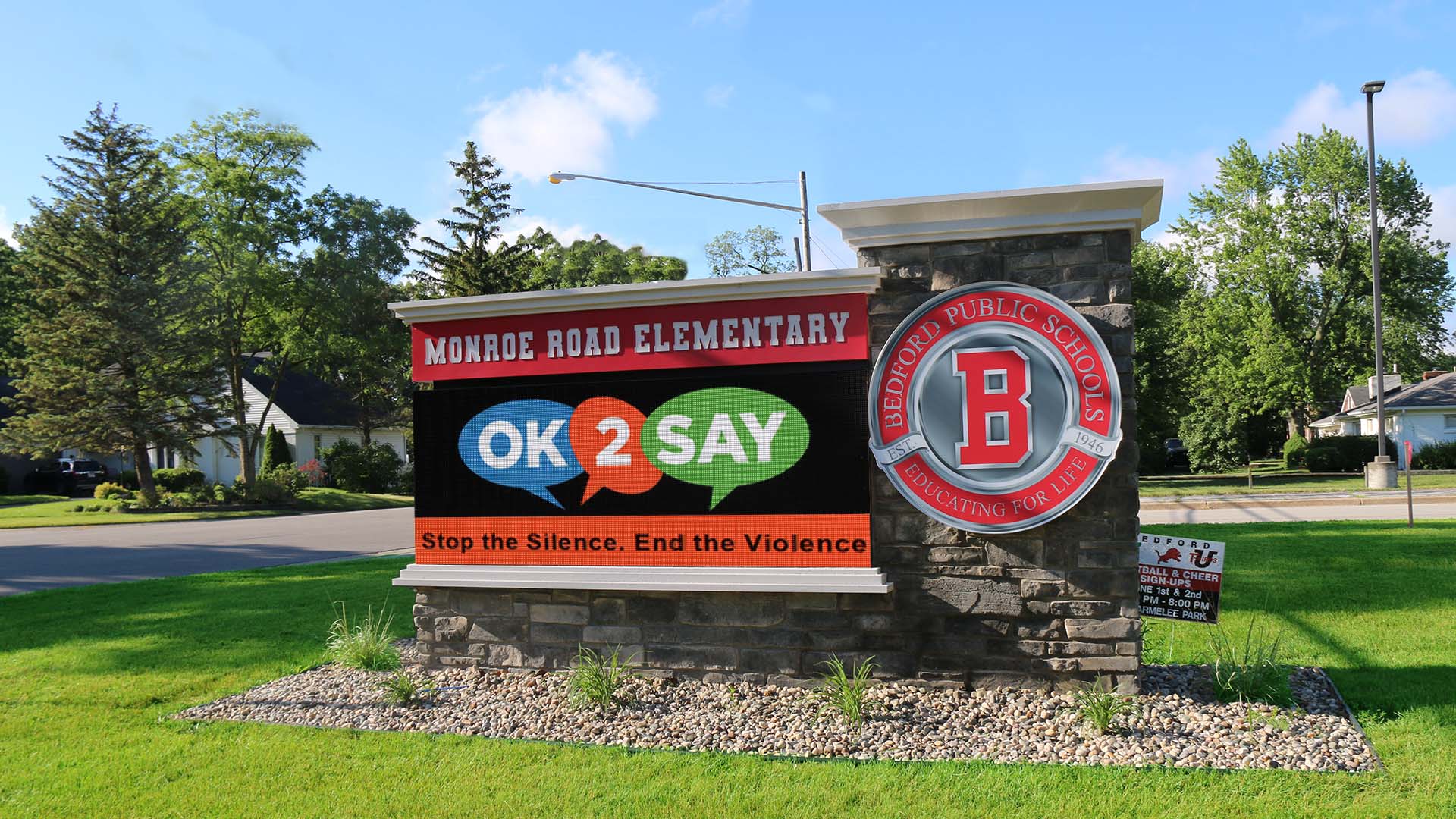
School communication doesn’t usually break because people aren’t trying; it breaks because too many messages live in too many places. In 2026, forward-thinking districts are moving to cloud-based LED signage to solve this fragmentation. By centralizing control, districts can increase communication efficiency by 62% and cut emergency response times from minutes to seconds. This guide explains how cloud technology turns scattered school signs into a unified safety and engagement network.  One Dashboard, Total Control In many districts, communication still depends on individual principals or secretaries remembering to update their specific marquee. On paper, that sounds flexible. In reality, it leads to outdated messages and inconsistent branding. Cloud messaging changes the workflow: Centralized Command: The district communications director can log in once and push a “Snow Day” alert to all 15 schools instantly. Local Flexibility: Permissions can be set so a High School Principal can post about the football game, but cannot override a district-wide safety alert. Brand Consistency: Ensures every school uses the correct fonts, colors, and logos, building trust with the community. Faster Safety Messaging When Timing Matters When a crisis happens—whether it’s a tornado warning or a security lockdown—speed matters more than polish. Cloud-based LED signs act as a mass notification layer: Remote Access: Administrators don’t need to be on campus (or even in the state) to update the signs. If a decision is made at 5:00 AM, the signs can be updated from a smartphone at 5:01 AM. Unified Voice: Eliminates the “telephone game” where different schools post slightly different versions of an emergency instruction. Everyone sees the exact same directive at the exact same time. Engagement Without the “Busy Work” Most schools don’t have extra staff time to manage daily communication. Cloud messaging automates the tedious parts of the job. Automated Scheduling Features: Day-Parting: Schedule “Drop-off Instructions” to run only from 7:00-8:00 AM and “After School Pick-up” to run from 2:00-3:30 PM. Expiration Dates: Set event promotions to auto-delete the minute the event ends, ensuring you never display “Come to the Play!” three days after the show is over. Playlist Sharing: Create one “District News” playlist and subscribe every school to it, so local staff don’t have to re-create district-wide graphics. Frequently Asked Questions about Cloud Messaging Can cloud-based LED signs be used for emergency alerts? Yes, and they are faster than almost any other method. Cloud systems feature “Emergency Override” capabilities that allow authorized users to: Interrupt all scheduled content instantly. Display high-contrast alerts (e.g., “LOCKDOWN” or “SEVERE WEATHER”). Push the update to every sign in the district simultaneously from a mobile device. What is the difference between local software and cloud software? The difference is access and security. Local Software: Requires you to be physically at the school or logged into a specific computer to change the sign. If that computer breaks or the person is out sick, the sign cannot be updated. Cloud Software: Accessible from any web browser (phone, tablet, laptop). It includes automatic security updates and does not require a dedicated IT server on campus. Can we give principals access without losing control? Yes. Modern cloud platforms use Role-Based Permissions. District Admin: Has full control, can override anyone, and manages global settings. School User: Can only edit their specific sign and may be restricted to using only approved templates to ensure brand consistency. Content Approver: A setting where a secretary can create a message, but it doesn’t go live until a Principal or Comm Director clicks “Approve.” Is Your District Ready to Scale? As districts grow, managing communication manually becomes impossible. NEXT LED Signs specializes in building scalable, cloud-connected networks that grow with you. Start the conversation: 888-359-9558 | Or contact us to get started. 
Outdoor Digital LED Signs for Colleges & Universities | Next LED Signs

How Colleges Use Digital Signage to Promote Events and Share Real-Time Updates

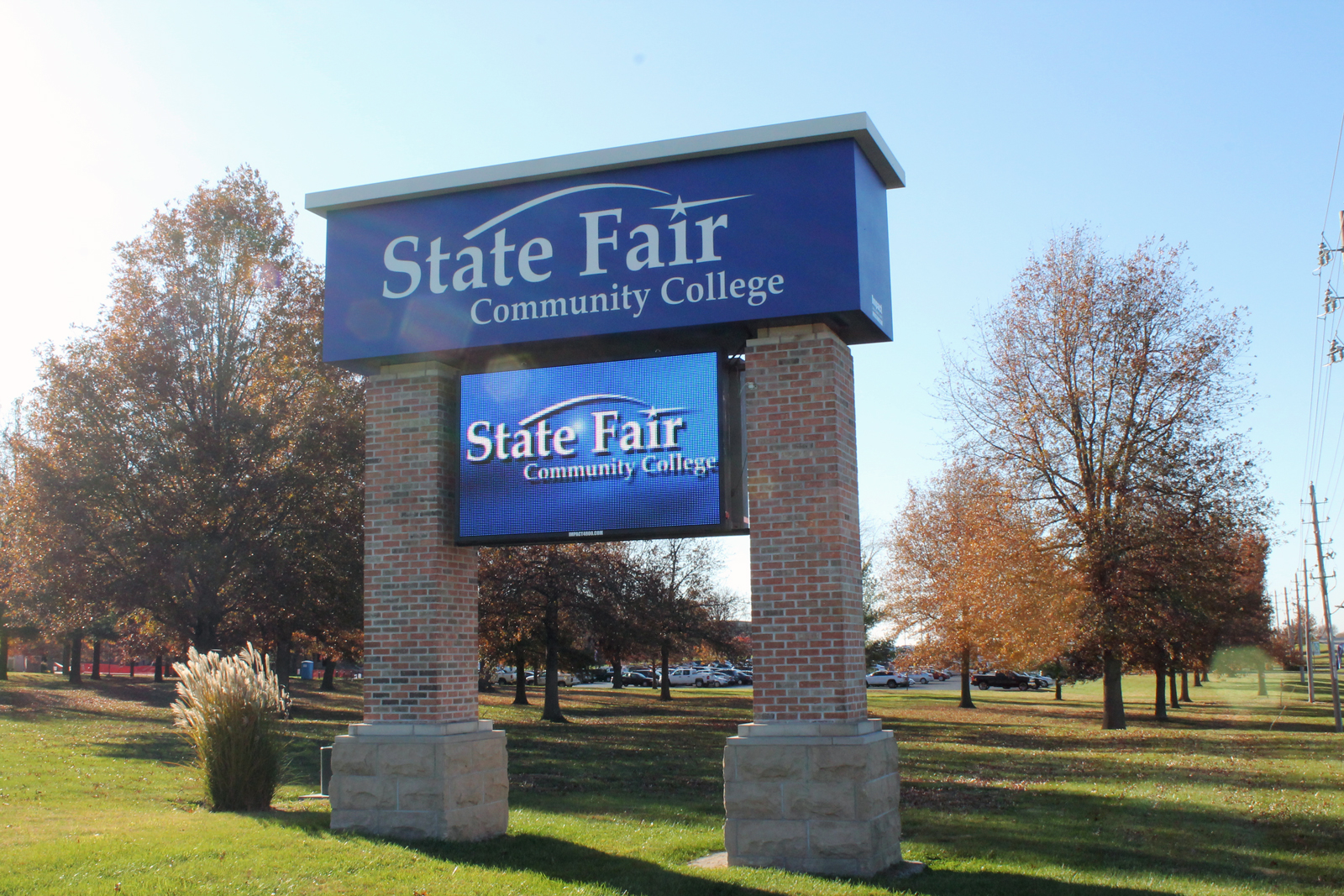
College campuses move fast. Classes shift, clubs meet, speakers arrive, sports schedules change, and half the time students only find out when it’s already too late. Digital signage fixes that problem. It gives campuses a way to promote events where students already are — walking through the union, grabbing food, heading to class, or waiting in line at the bookstore. And when it’s done right? Events get better attendance, last-minute updates actually get noticed, and the entire campus feels more connected. https://www.youtube.com/watch?v=I31Qqoz7ZHE The “Invisible Monitor” Problem (Why Consumer TVs Fail) You’ve seen it before. A college buys a bunch of 60-inch TVs from a big box store and mounts them in the Student Union. Six months later, nobody looks at them. Why? Because physics wins. A standard TV maxes out at 300 nits of brightness. In a sunlit atrium with floor-to-ceiling windows, that screen fights the sun—and loses. It looks dim, washed out, and irrelevant. The Commercial Difference: Headroom. To be visible in a bright lobby, a display needs Headroom. Commercial Direct-View LED (like the NEXT LED APEX Series) is often rated for 4,000 nits. Do you need 4,000 nits indoors? Usually not. But that’s the point. The TV: Runs at 100% power just to be visible. Burns out in 18 months. The LED Wall: You run it at 20% brightness to light up the room. Because the diodes are barely working, they last for a decade. The Glare Factor: If the sun hits the glass atrium at noon, you have the power to crank the brightness up and cut right through the glare. A TV can’t do that. Turning Your Calendar into “Live” Promotion Your marketing team is already burned out. They don’t have time to design a flyer, print it, email it, and manually login to update 50 different screens. The fix is API Integration. Effective digital signage shouldn’t require its own special calendar. It should talk to the tools you already use, like 25Live, EMS, or Google Calendar. You update the event in the system: “Room change: Guest Lecture now in Hall B.” The sign reads the feed: The software detects the change instantly. The directory updates: The digital room card flashes the new location without anyone touching the sign. This handles the chaos of campus life automatically: Speakers running late? Weather moving an outdoor concert inside? Shuttle bus delays? The signs update the moment you know, so the students know. Winning the “2-Second” Glance Students are walking fast. Research suggests you have about 2 to 4 seconds to get their attention. A static PDF of a flyer doesn’t work. Motion works. Don’t just show the speaker’s face. Show a 10-second clip of them on stage. Don’t just list the deadline. Show a ticking countdown clock (“Registration Ends in 04:12:30”). Create FOMO. Show high-res photos from last week’s event. When students see their friends having fun on a 10-foot wall, they show up to the next one. Real-world data backs this up. Universities that switch to dynamic motion graphics often see double-digit increases in turnout because the content is impossible to ignore. Supporting Student Life & Inclusivity It’s easy to promote the big football game. It’s harder to promote the Chess Club, the LGBTQ+ Alliance, or the Tuesday night tutoring session. Printed posters clutter the walls and get ignored. Digital signage creates equity. By rotating content on a loop, Student Life teams can: Highlight smaller organizations that usually get overlooked. Share authentic student content (photos, videos, reviews). Target specific buildings (e.g., showing Engineering Club meets on the Engineering Hall display). When students see their organization on the big screen, they feel represented. It transforms the display from a “bulletin board” into a community hub. The Enrollment Impact: “Things Are Happening Here” When a prospective family walks through your Student Union on a tour, they are judging the “vibe” of the campus instantly. Blank or broken screens? It feels neglected. Static posters from last month? It feels slow. Bright, moving displays showing tonight’s concert? It feels alive. Active digital signage communicates: “Students are involved here. Campus life is vibrant. Things are happening.” That subconscious signal can be the difference between a student feeling at home or feeling indifferent. Silence in the Library (Solid-State Engineering) One reason colleges hesitate to put digital signs in study areas is the noise. Old-school LED walls have cooling fans. Fans hum. In a library or quiet study hall, that hum is a distraction. This is where Solid-State Engineering matters. NEXT LED displays don’t use fans. We use aluminum heat sinks to dissipate heat naturally. That means the sign runs cool and silent. You can put a high-definition event display right next to a study carrel, and it won’t make a sound. Frequently Asked Questions about Using LED to Boost College Event Attendance Do LED signs actually increase student engagement and attendance? Yes. Digital displays catch the eye far more effectively than static posters, leading to higher engagement. 400% More Views: Research indicates that digital signage captures 400% more views than static displays. Recall Rate: 83% of people recall the content they saw on a digital display within the last 3 days, ensuring students remember the “when and where” of upcoming events. How effective is digital signage for retaining information about campus events? It is highly effective because the human brain processes visual information much faster than text. Visual Processing: Visuals are processed 60,000 times faster in the brain than text. Higher Retention: Retention rates for information displayed on digital screens are significantly higher than traditional print media, making it crucial for time-sensitive event details. Can LED displays help with last-minute event promotion? Absolutely. One of the biggest advantages of solid-state engineered LED signs is the ability to update content instantly for “tonight only” events. Impulse Decisions: Data shows that 19% of consumers made an unplanned purchase (or decision to attend) after seeing a digital ad. Instant Updates: Unlike print, digital messaging can be changed in seconds to push flash sales for tickets